Connect devices with your OBD device’s
Wi-Fi
● Connect your smartphone or other WPS (Wi-Fi Protected Setup) - enabled devices to
your network:
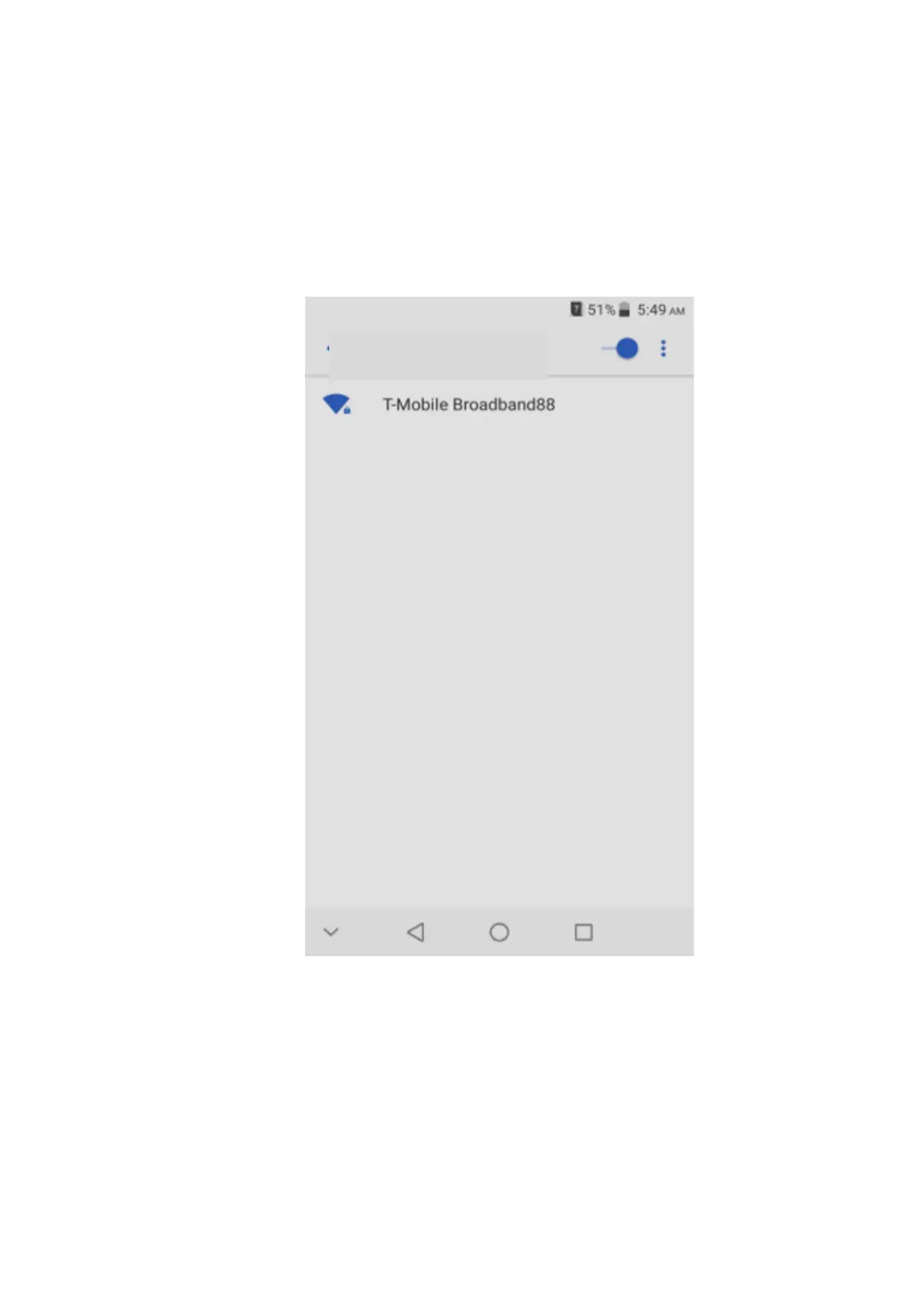
Use your normal Wi-Fi application on the client device to search for the available
wireless network
7
● Select the Wi-Fi network name on your Smartphone WiFi menu; the initial WiFi
network name (also called SSID) is T-Mobile_Broadband## where ## are the 2 last
digits of your device IMEI number
● Input the Wi-Fi network password: for the initial password, refer to the card provided
within your product gift box
● Launch your browser to surf the Internet
T-Mobile_Broadband##


 To Next Page