Page 16
Need help? Visit
or call T-Mobile customer service at
Metro support service at
T-Mobile 5G Gateway User Guide
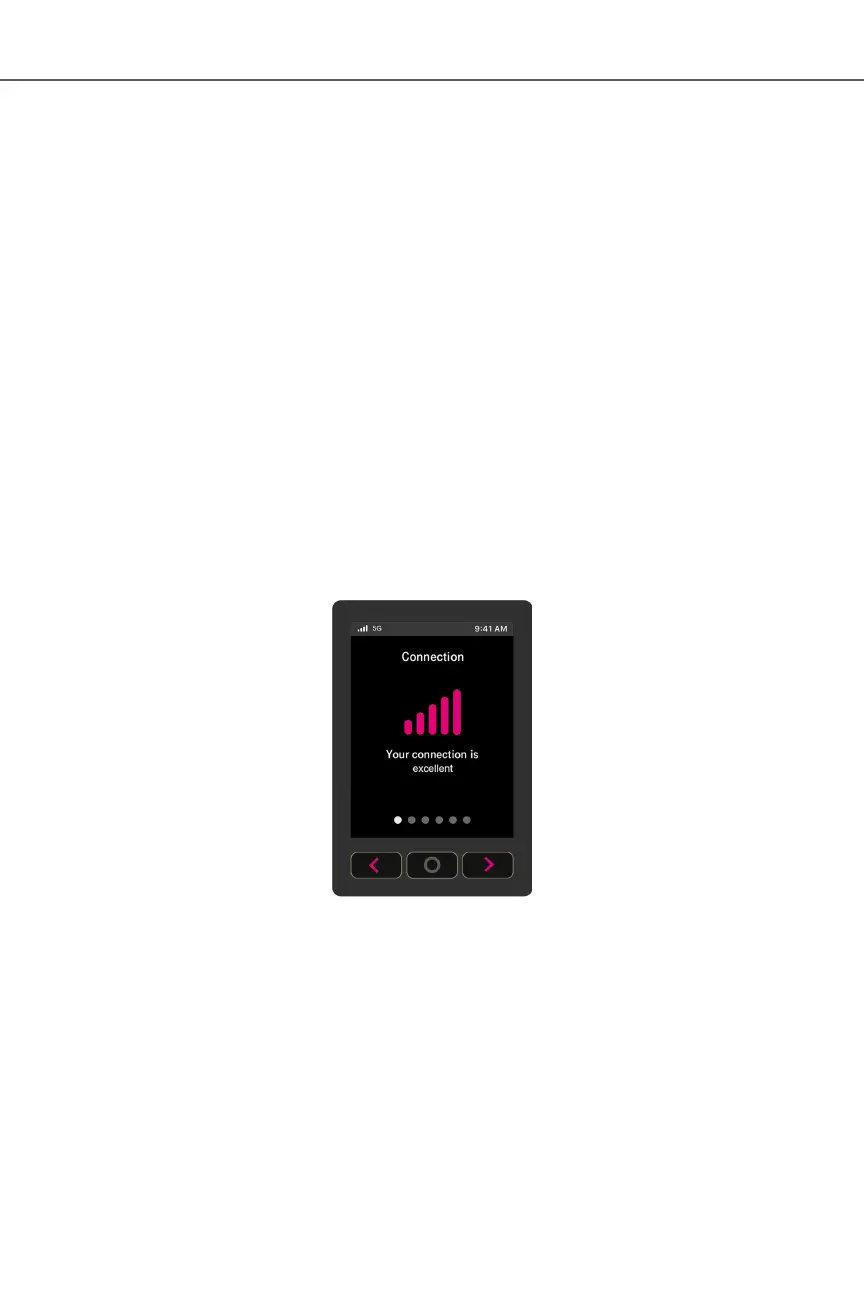
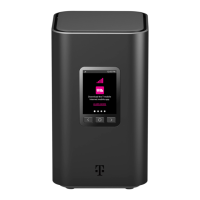
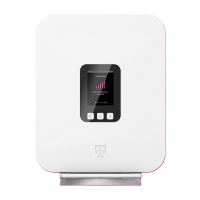
The gateway’s LCD is located on front of the device. The LCD serves as a dashboard where you can
quickly obtain information of the following types:
ż Connection
ż Devices
ż Internet Line Number
ż Messages
ż Antenna
ż Language Settings
Press left or right arrow ( < or >
position of the illuminated dot on the bottom of the screen indicates where you are in the screen
sequence.
The Connection
strength.
The number of bars you see represents the strength of the gateway’s current connection to the
cellular network.
An X indicates the gateway is not connected to the T-Mobile network.


 To Next Page