Page 6
Need help? Visit
or call T-Mobile customer service at
Metro support service at
T-Mobile 5G Gateway User Guide
ż Leave adequate space for heat dissipation to avoid any damage caused by overheating the
5G Gateway.
ż Do not cover the 5G Gateway or its ventilation holes. Blocking the ventilation holes may cause
ż Use the power adapter provided with your 5G Gateway and do not fasten the power cable to
building surfaces.
ż Ensure the cable can move freely. Do not place heavy objects on the cable.
ż Do not use the 5G Gateway outside, and make sure all the connections are indoors.
ż Do not install, use, or service the 5G Gateway during a thunderstorm.
ż There is a remote risk of electric shock from lightning.
ż The standby power consumption of the 5G Gateway is 4.5W.
This document explains how to operate the T-Mobile 5G Gateway at home using visual cues to
achieve the best placement and performance.
This document is a supplement to the Quick Start Guide and T-Mobile Internet mobile app. Use the
Quick Start Guide to get up and running quickly.
The contents of this guide are subject to change without notice.
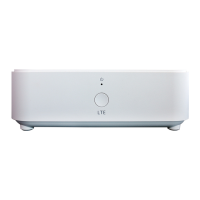
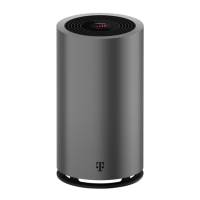
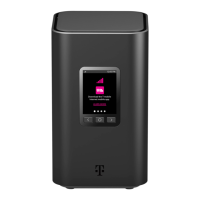
ż Gateway
ż Windowsill Bracket
ż Power Adapter
ż Quick Start Guide
ż T-Mobile Terms and Conditions
ż Safety and Regulatory Notice
The gateway offers 4G/LTE or 5G/NR WAN (Wide Area Network) mobile network connectivity
by way of four wide band omni or semi directional antennas that supports all LTE/5G bands. It
functions as the connection point between the WAN outside your home and the LAN (Local Area
Network) inside your home.


 To Next Page