Page 18
Need help? Visit
or call T-Mobile customer service at
Metro support service at
T-Mobile 5G Gateway User Guide
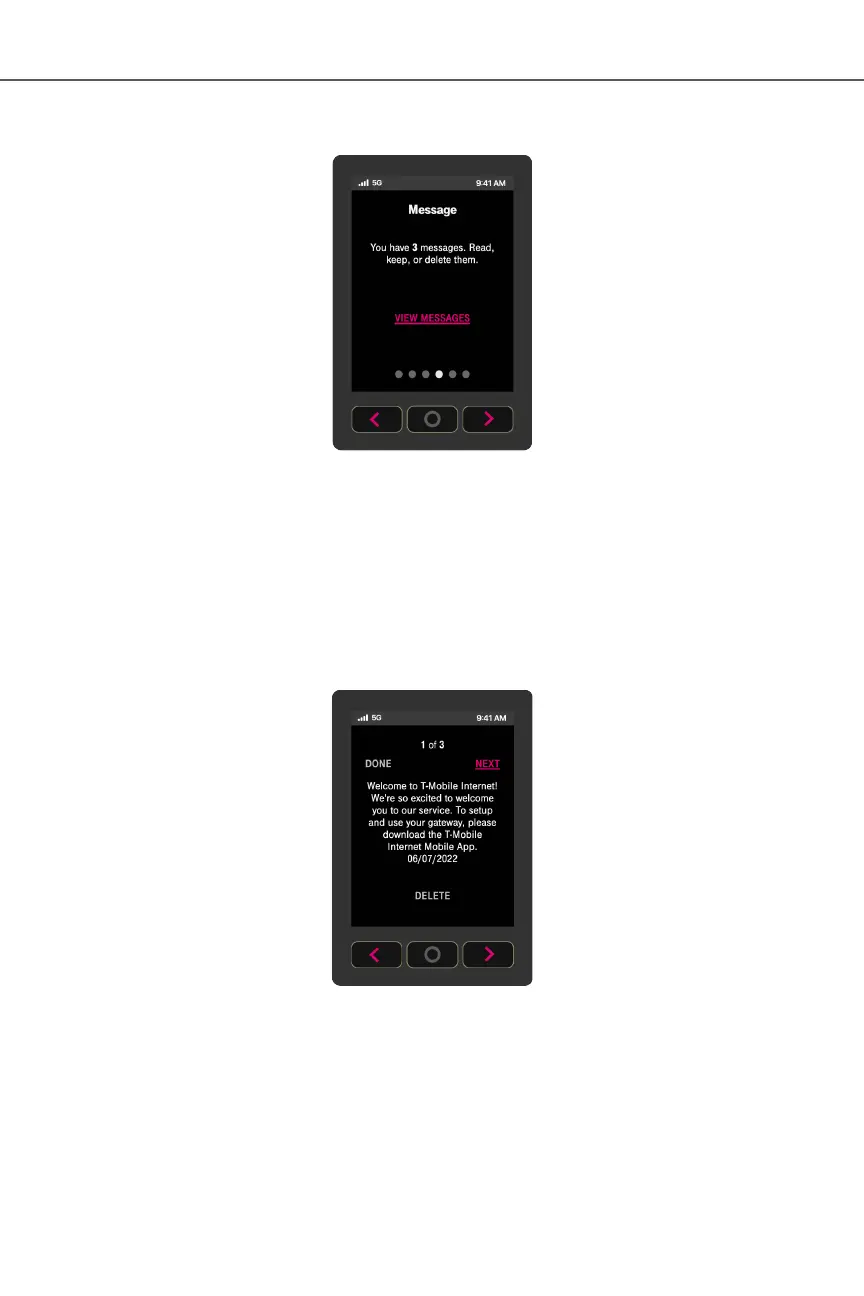
These messages come from the T-Mobile network and may provide outage information or other
important updates.
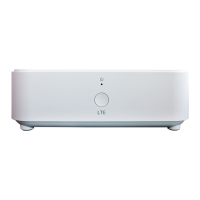
The Messages screen allows you to view the message contents by pressing < and > to scroll
between messages.
To delete a message:
1. Press O (OK) on the panel to select VIEW MESSAGES and view unread messages
2. Select NEXT and read next message


 To Next Page