Page 9
Need help? Visit
or call T-Mobile customer service at
Metro support service at
T-Mobile 5G Gateway User Guide
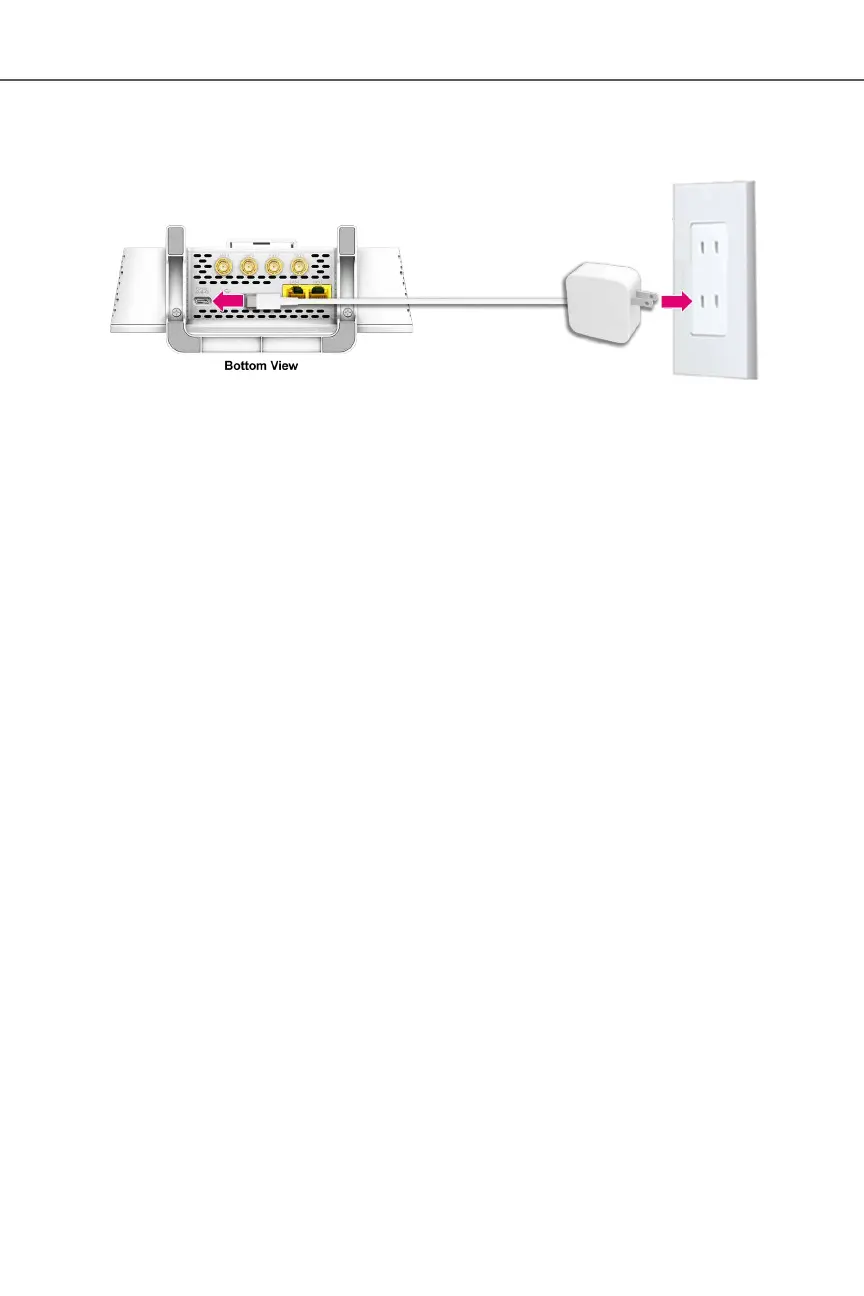
ż The USB Type-C power cable must be capable of supporting 100–240V (volts) AC adapter,
50–60Hz frequency and 3A of current at DC 15V
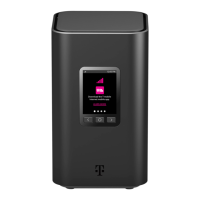
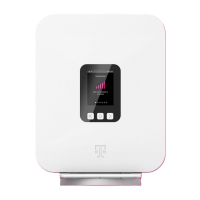
After the gateway is connected to a power source, the LCD screen displays an animated T-Mobile
logo that indicates the gateway is starting up.
Six small dots displayed on the LCD panel indicates available screens of:
ż Connection
ż Devices
ż Internet Line Number
ż Messages
ż Antenna
ż Language
Take a moment to browse these screens to see what information is available. For more information
about the LCD screen display, refer to the section .
When the start up sequence is complete, the LCD displays the Connection screen.
Connect your wireless devices to your network using the Wi-Fi SSID (Wi-Fi name) and Wi-Fi Key
(Wi-Fi password), which are found on the gateway’s rear panel. Here is an example of the label:


 To Next Page