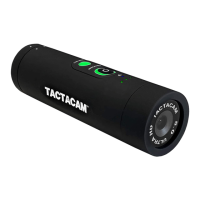
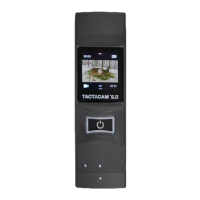
WWW.TACTACAM.COM
5.0, 5.0 WIDE, 4.0, & SOLO
TACTACAM QUICK START GUIDE
Before you start lming, charge your Tactacam completely.
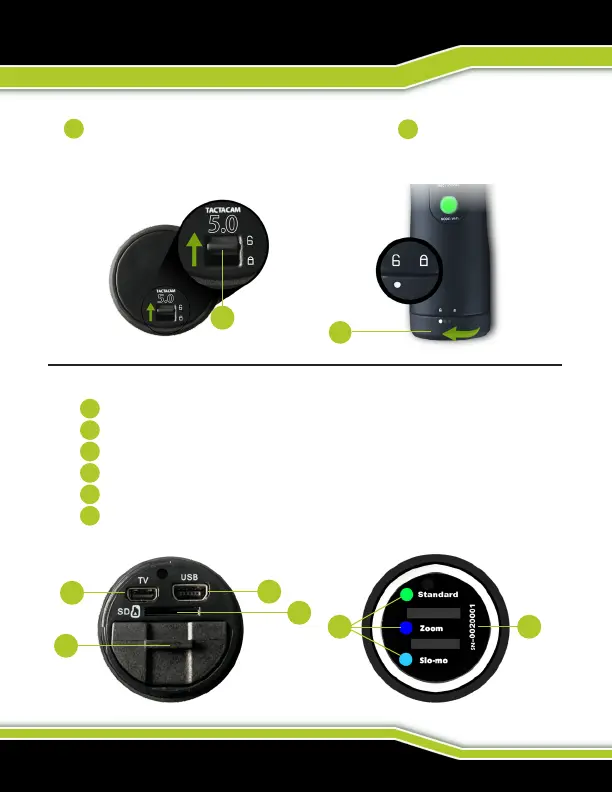
On the rear of the camera unlock the back cap and then twist counter
clockwise to the unlock position to access the rear of the camera.
You should see the following.
SC card slot
USB port (Charging and Downloading)
Removable battery (Up to 2.5 hours continuous recording time)
Mini HDMI output (excludes Solo)
List of the preset modes for your camera (excludes Solo)
Your Tactacam’s serial number.
(Note: Tactacam Solo only has USB port, SD Card slot, and Removable battery.)
1
2
1
2
5 6
4
3
1
2
1
2
3
4
5
6



 To Next Page