EasyManua.ls Logo

Tactacam 2.0 - User Manual

Tactacam 2.0
17 pages
Print Icon
To Next Page IconTo Next Page
Loading...
(844) 482-2822
WWW.TACTACAM.COM
WWW.TACTACAM.COM
Question and Answer IconNeed help?

Do you have a question about the Tactacam 2.0 and is the answer not in the manual?

Summary

TACTACAM Quick Start Guide

Get to Know Your Tactacam Models

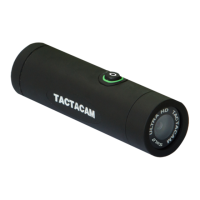
Tactacam 4.0 Model Overview

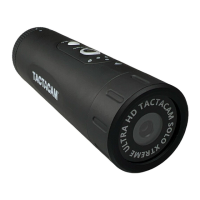
Details the features, ports, and controls of the Tactacam 4.0 camera.

Tactacam 3.0 Model Overview

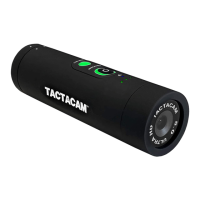
Details the features, ports, and controls of the Tactacam 3.0 camera.

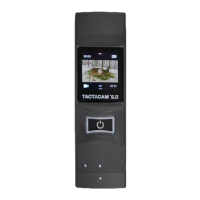
Tactacam 2.0 Model Overview

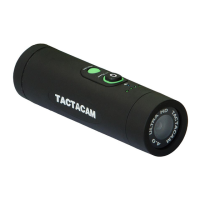
Details the features, ports, and controls of the Tactacam 2.0 camera.

Charging Your Tactacam

Charging Methods

Explains how to charge the camera using a USB cord with a wall socket or computer.

SD Card and Downloading Content

SD Card Requirements and Upgrades

Discusses the included 8GB card limits and recommends larger capacity cards.

Reformatting Your SD Card

Powering On and Recording

Starting, Pausing, and Stopping Recording

Details on using the Rec/Power button and vibration feedback for operations.

Using the Tactacam App (4.0 WiFi)

Downloading and Connecting the App

Steps to download the app and establish a WiFi connection with the camera.

Playing Back and Viewing Footage

Computer Playback and Editing

Connect to computer, recommended software, and editing tips for viewing videos.

Important Messages and Battery Status

SD Card Error and Vibration Alerts

Explains common SD card error messages and vibration codes for camera status.

Troubleshooting Common Issues

Camera Not Responding or WiFi Issues

Solutions for unresponsive cameras and resetting forgotten WiFi credentials.

Summary

TACTACAM Quick Start Guide

Get to Know Your Tactacam Models

Tactacam 4.0 Model Overview

Details the features, ports, and controls of the Tactacam 4.0 camera.

Tactacam 3.0 Model Overview

Details the features, ports, and controls of the Tactacam 3.0 camera.

Tactacam 2.0 Model Overview

Details the features, ports, and controls of the Tactacam 2.0 camera.

Charging Your Tactacam

Charging Methods

Explains how to charge the camera using a USB cord with a wall socket or computer.

SD Card and Downloading Content

SD Card Requirements and Upgrades

Discusses the included 8GB card limits and recommends larger capacity cards.

Reformatting Your SD Card

Powering On and Recording

Starting, Pausing, and Stopping Recording

Details on using the Rec/Power button and vibration feedback for operations.

Using the Tactacam App (4.0 WiFi)

Downloading and Connecting the App

Steps to download the app and establish a WiFi connection with the camera.

Playing Back and Viewing Footage

Computer Playback and Editing

Connect to computer, recommended software, and editing tips for viewing videos.

Important Messages and Battery Status

SD Card Error and Vibration Alerts

Explains common SD card error messages and vibration codes for camera status.

Troubleshooting Common Issues

Camera Not Responding or WiFi Issues

Solutions for unresponsive cameras and resetting forgotten WiFi credentials.

Tactacam 2.0 Specifications

General IconGeneral
BrandTactacam
Model2.0
CategoryAction Cameras
LanguageEnglish

Related product manuals