EasyManua.ls Logo

TagMaster XT-3 - User Manual

Default Icon
28 pages
Print Icon
To Next Page IconTo Next Page
Loading...
Doc no. 11-267 02
© TagMaster
NA
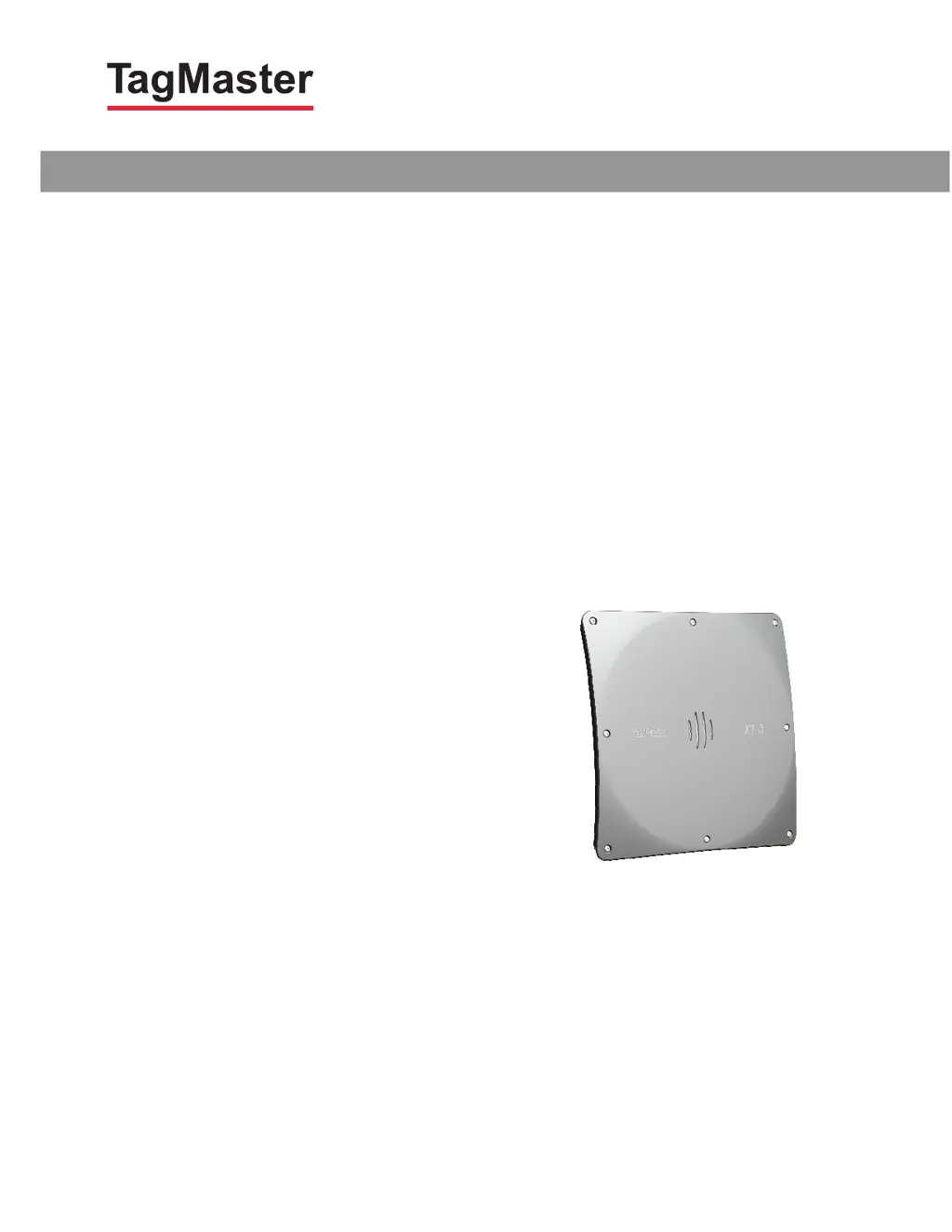
XT-3 Reader
Installation Manual & Data Sheet
MANUAL

Questions and Answers

  • L
    Lawrence LopezAug 9, 2025
    What to do if the red system status indicator is on or off in TagMaster Rfid Systems?
    • J
      Julia OconnorAug 9, 2025
      If the red system status indicator on your TagMaster Rfid Systems is on or off, try switching off the power supply and then switching it back on. You can do this by removing the J31 terminal block from the board and then reinserting it. If the reader still doesn't start, contact TagMaster support.
  • M
    Mrs. Melanie WaltersAug 23, 2025
    What to do if the green system status indicator is on or off in TagMaster Rfid Systems?
    • M
      miranda57Aug 23, 2025
      If the green system status indicator on your TagMaster Rfid Systems is on or off, try switching the power supply off and then on again, and wait 30 seconds. You can do this by removing the J31 terminal block from the board and putting it back. If the reader fails to start again, contact TagMaster support.

TagMaster XT-3 Specifications

General IconGeneral
BrandTagMaster
ModelXT-3
CategoryRfid Systems
LanguageEnglish