19
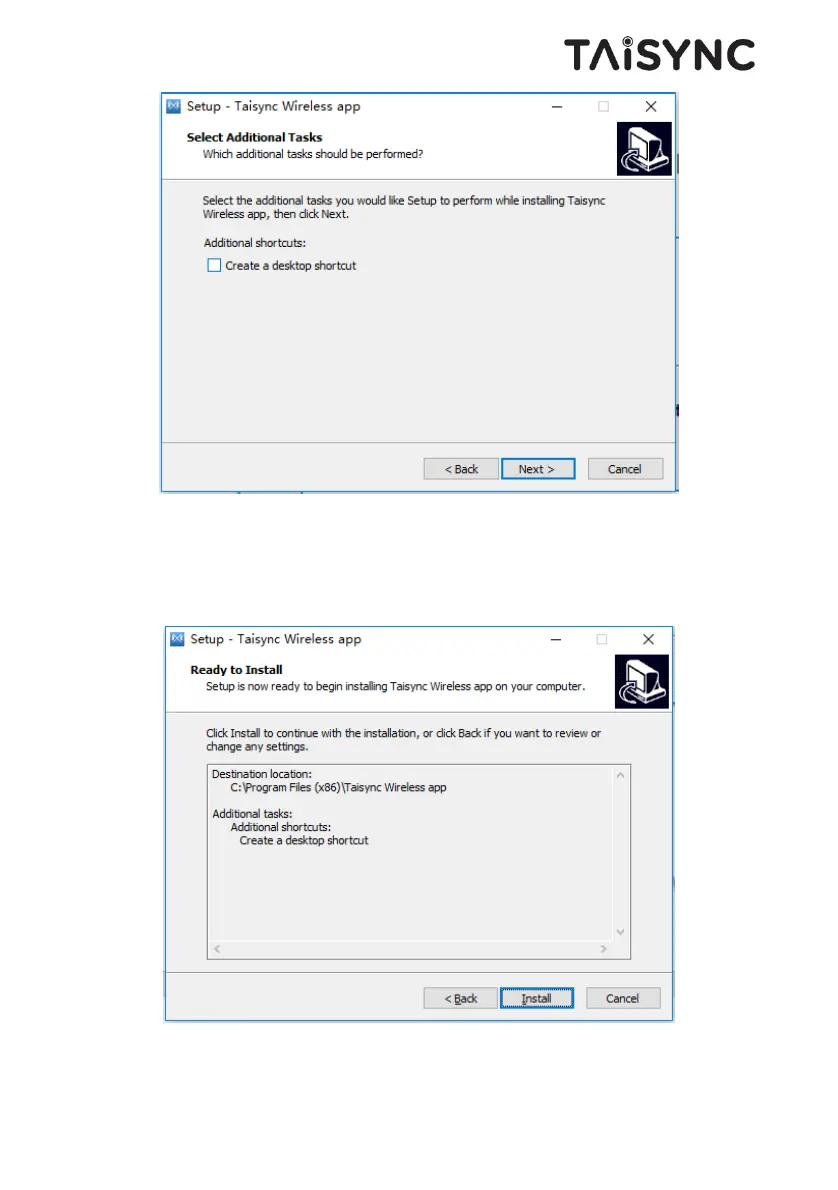
Click “Install” to proceed with the installation. To rewind the previous step, click the “Back”
button. To cancel the installation, click the “Cancel” button.
Note: Please turn off the firewall software, otherwise the firewall may prevent the
driver from being installed when the driver is installed.


 To Next Page