18
4. Software
4.1.Installation
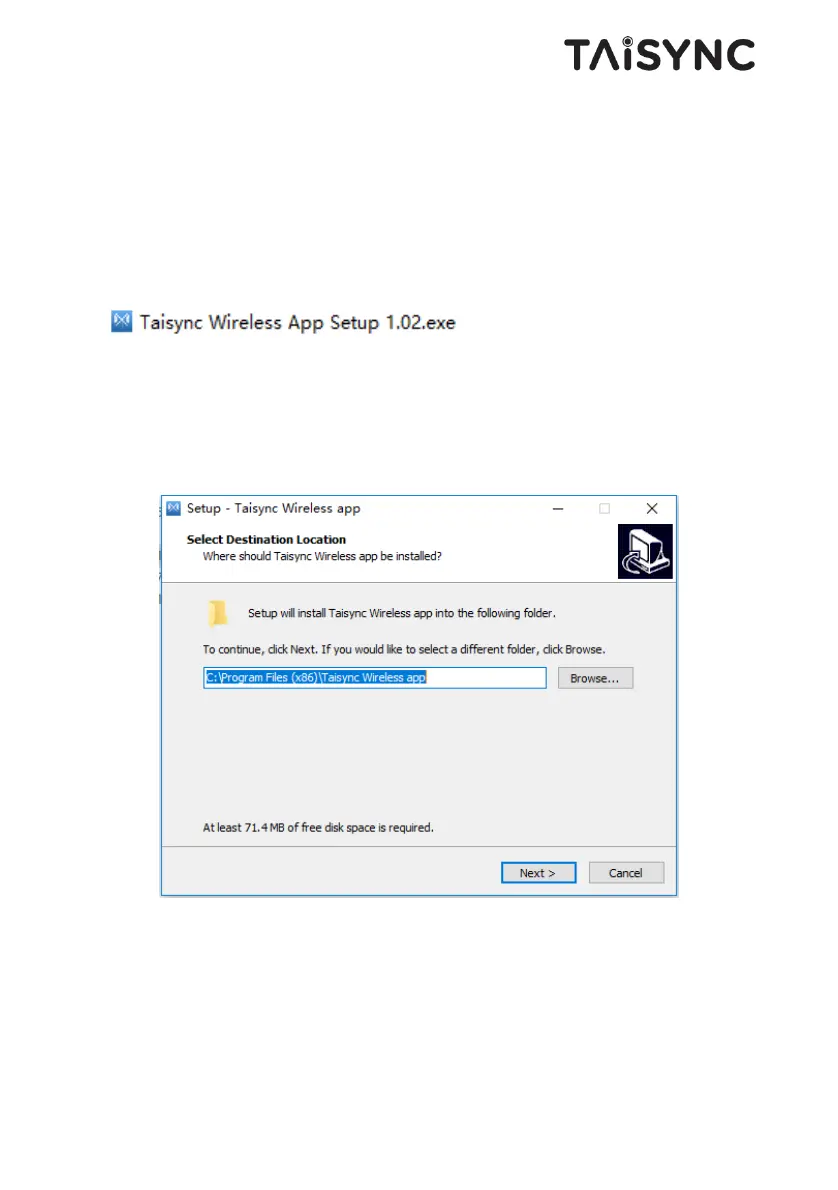
We provide program installation files, program file name: Taisync Wireless App Setup.exe.
The installer icon is as follows:
Double-click the installer to install and customize the program installation directory. After
configuration, click the “Next” button to jump to the next step. To cancel the installation,
click the “Cancel” button.
Check the Generate desktop shortcut. If it is not checked, the desktop shortcut will not be
generated. After configuration, click the “Next” button to jump to the next step. To rewind
the previous step, click the “Back” button. To cancel the installation, click the Cancel
button.


 To Next Page