Setting and resetting of password
134
Chapter 5
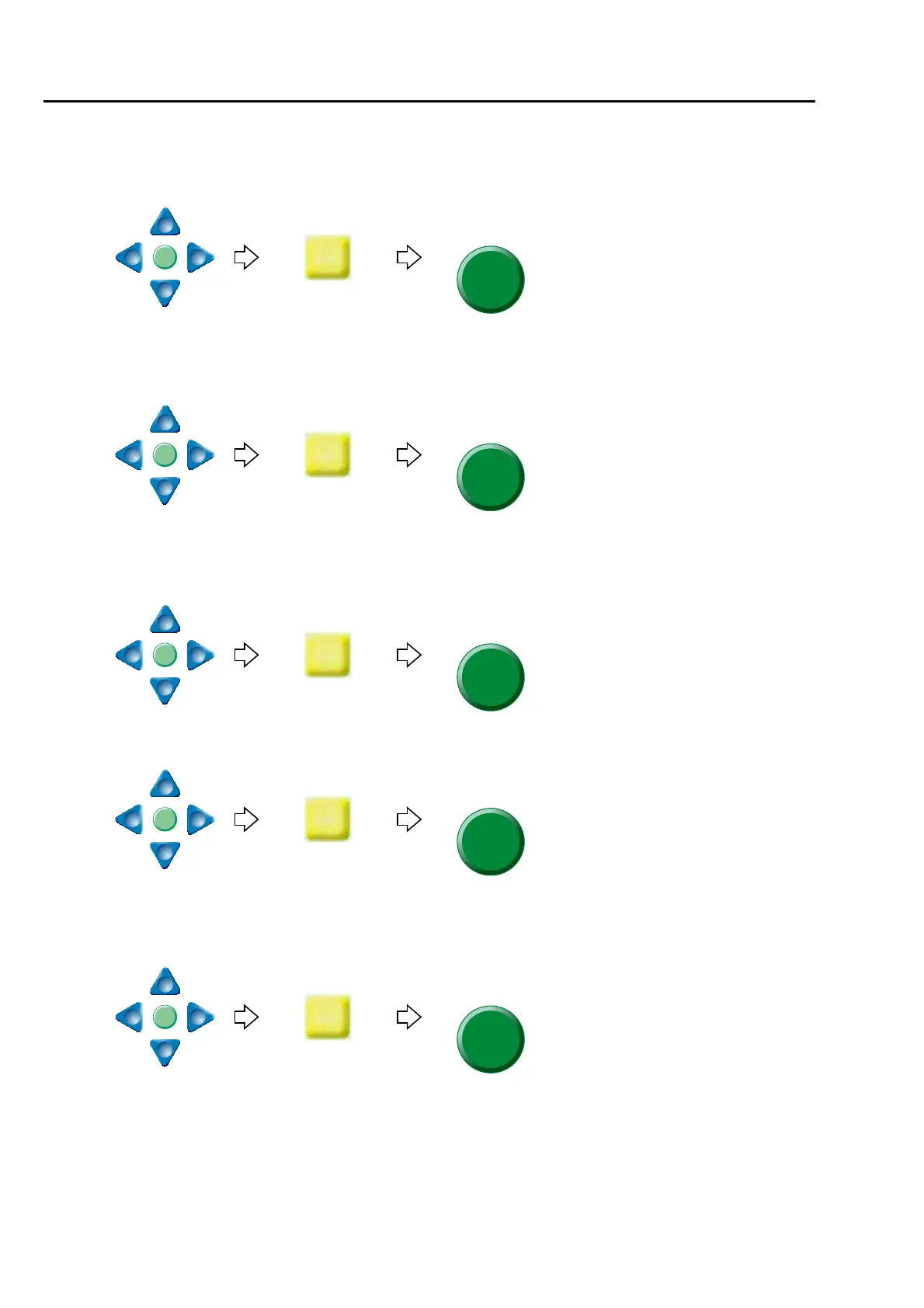
(3) To input the current password
(a) To select "0"
(b) To input the remaining password "0", "0", "0" in the same procedure.
(c) To decide
(4) To input password after change
(a) To select "Z"
(b) To select "Y"
(c) To select the remaining password "9", "8" in the same procedure
(d) To decide



 To Next Page