215
Countermeasure when the machine stopped
Chapter 9
1
2
3
4
5
6
7
8
9
10
11
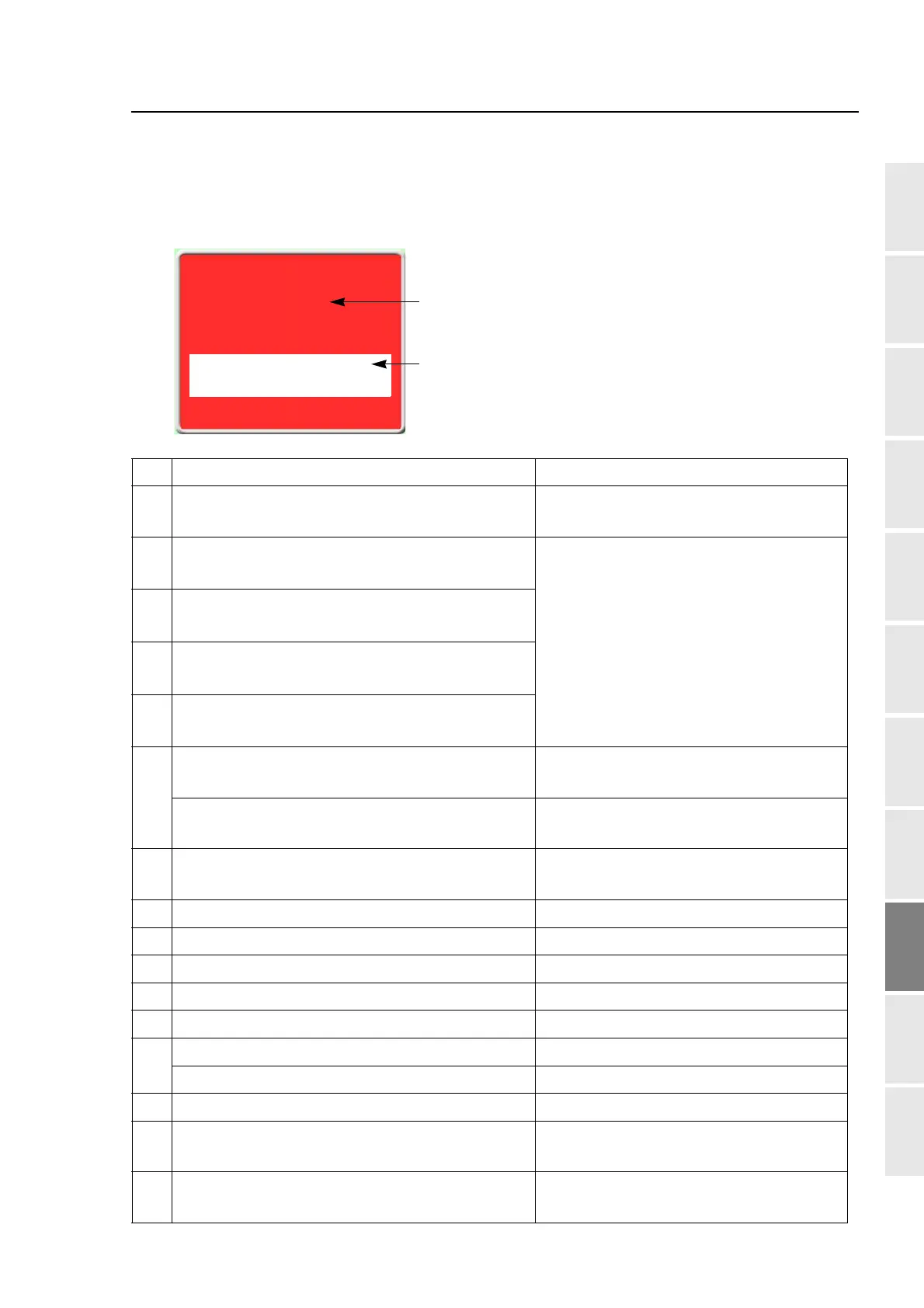
1-2. Abnormal stop
It is displayed in red on the screen. The trouble will occur when the movement of the machine comes
off from normal position etc.
No. Stop Factor How to restore
211
The main shaft has stopped deviating from the fixed
position.
Return the main shaft to the fixed position.
Check the main shaft fixed position sensor.
221
(*)
The embroidery frame moved to the travel limit
position (left) (-X direction).
Move the frame manually so that embroidery
can be performed within the set range.
*Only the model that has limit switch at drive
system is applicable.
222
(*)
The embroidery frame moved to the travel limit
position (right) (-X direction).
223
(*)
The embroidery frame moved to the travel limit
position (front) (+Y direction).
224
(*)
The embroidery frame moved to the travel limit
position (rear) (-Y direction).
225
The frame move to the limit position during trace.
Press the E key. Check the current frame
position.
The frame moved to the software limit position
during trace.
Press the E key. Check setting range of
software frame limit.
228
Table up/down operation was performed when the
frame was positioned at the front.
Move the frame to the rearmost position.
229 The machine was stopped during Power resume. Perform Power resume again.
251 Oil of lubricating pump is lacking. Lubricate to the lubrication tank.
258 Upper dead point sensor error (Sequin device III) Check the sensor.
259 Lower dead point sensor error (Sequin device III) Check the sensor.
25A Sequin color change sensor error (Sequin device III) Check the sensor.
291
Upper thread breakage is detected. Check thread.
TC sensor card error Replace TC sensor card.
293 Under thread breakage is detected. Check under thread.
294
Absence of sequin material is detected (Sequin
device III only).
Check the material.
2B1 Network does not work normally.
Check connecting status of cable, setting
status of device such as personal computer.
Wrong setting for optional device
Check the setting for option.
[2C2]
"Reset" >>E
Code No.
Stop Factor



 To Next Page