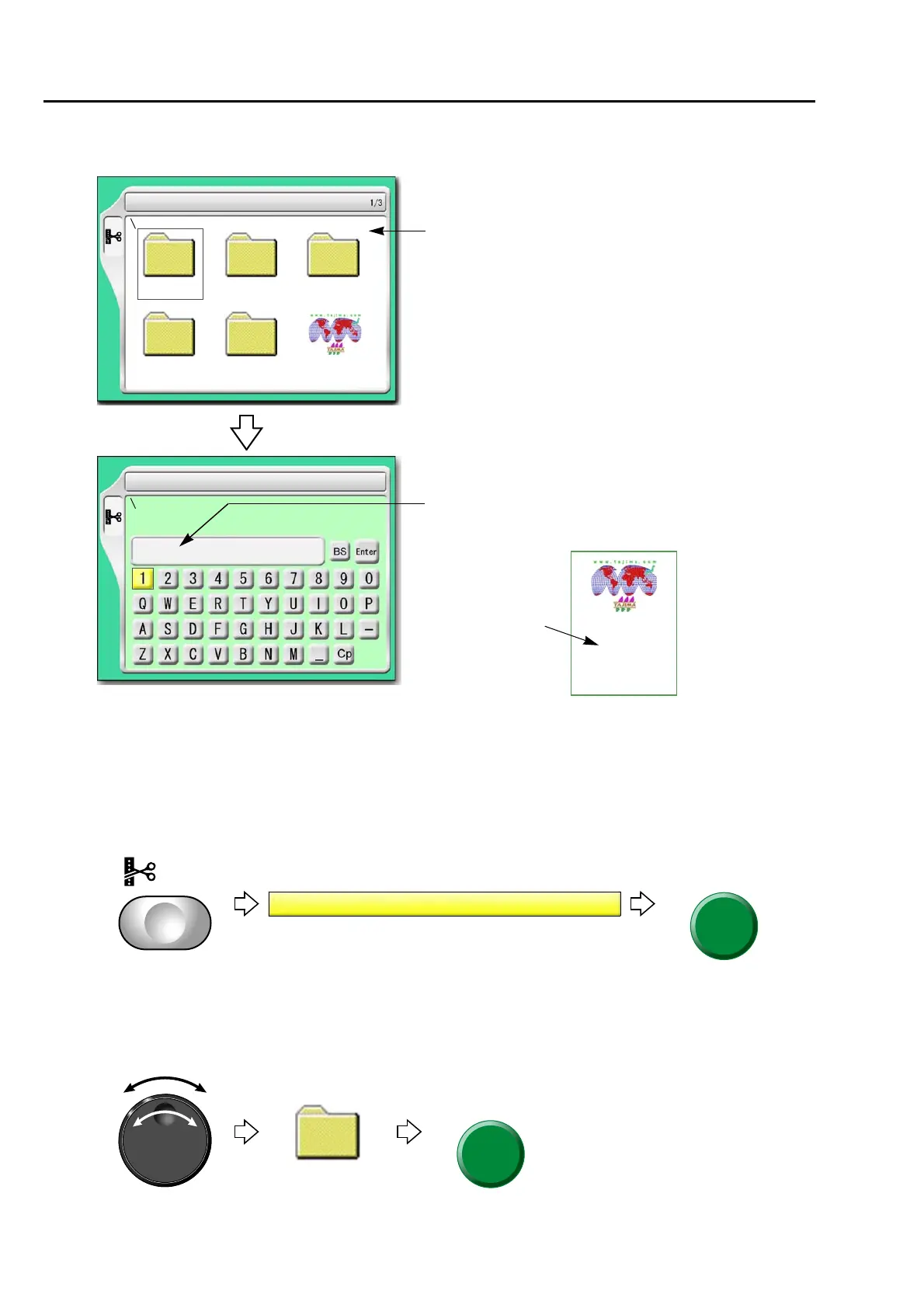
Design stored in the machine memory
176
Chapter 7
1-4. To change the file name of the design (Changing design name)
1-4-1. How to operate
The following is an example of changing the file name from "G001" to "A10".
(1) To open screen
(2) To select a design
The operation differs depending on the storing place of the design.
(a) Design in folder
6 Changing design name
G001
Group 1 Group 2 Group 3
Group 4 Group 5
6 Changing design name
******
****
***
Selection of design to change the file name
Change column of file name (up to 8 characters)
Delete and input letters.
G001
TAJIMA_W
14117
2
File name



 To Next Page