All rights reserved. © 2012-2023 Shenzhen Talkpod Technology Co., Ltd.
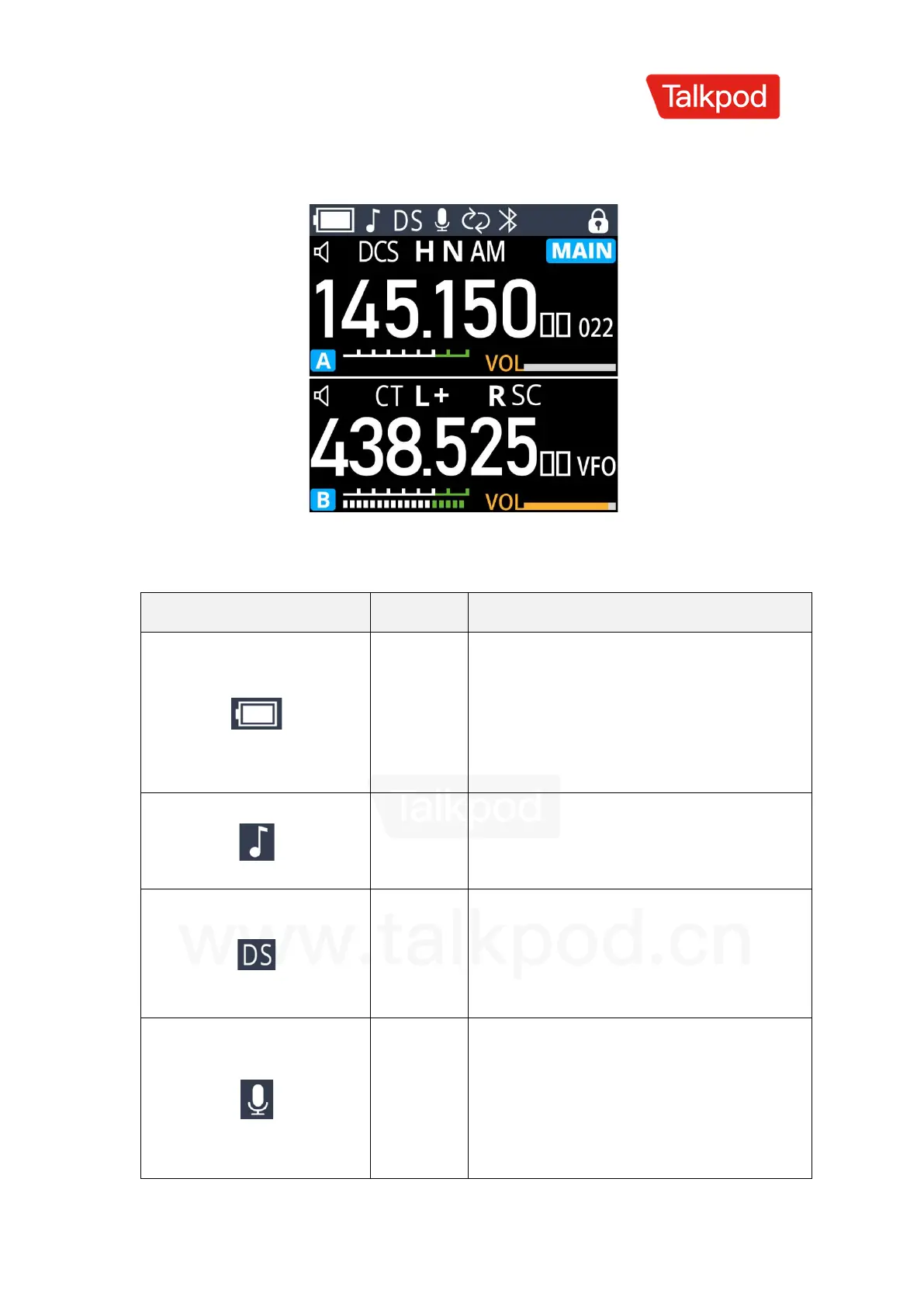
Screen Display Icons
Displays the remaining battery
power. When the battery is about to
run out, the outer frame of the
symbol flashes, and the transceiver
prohibits transmission.
Enables side tone, indicating that
the transceiver emits a tone when
transmitting DTMF signals.
Enables dual-band standby function,
which can simultaneously monitor
the two frequencies or channels
displayed in standby mode.
Enables voice-activated transmission
function, which activates
transmission when the microphone's
sound pressure level reaches the set
value.



 To Next Page