Tally Dascom DL-820 User Guide V1.0
1.8.2 Four major setup menus
1.8.3 Sample for setup steps
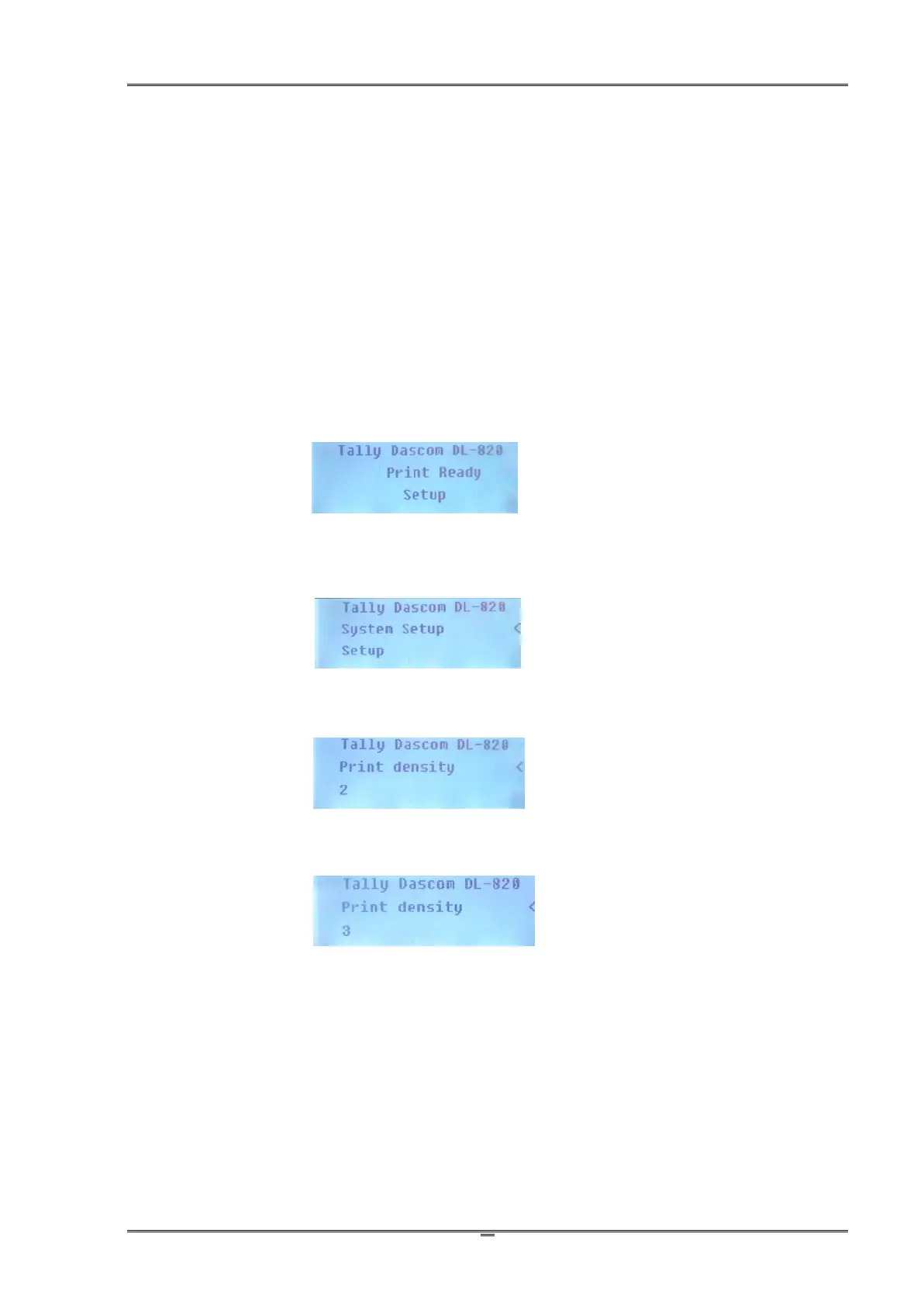
Below describes how to change the Print Density setting from 2 to 3 by panel operation.
1. The printer originally works in Normal mode with the follow display.
2. Press ∷ button once to enter Setup mode. Press ■ button once to scroll forward getting
the System Setup menu.
3. Press ►► button once to accept entering the System Setup menu. Keep pressing ■ button
to scroll to Print density sub-menu.
4. Press ►► button once to accept entering the Print density setting. Press ■ button once to
scroll the value from 2 to 3.
5. Press ►► button to accept saving the value of 3 for Print density.
6. Press
∷
button twice to terminate Setup mode and return to Normal mode.



 To Next Page