Tally Dascom DL-820 User Guide V1.0
Chapter 4 Support Utilities
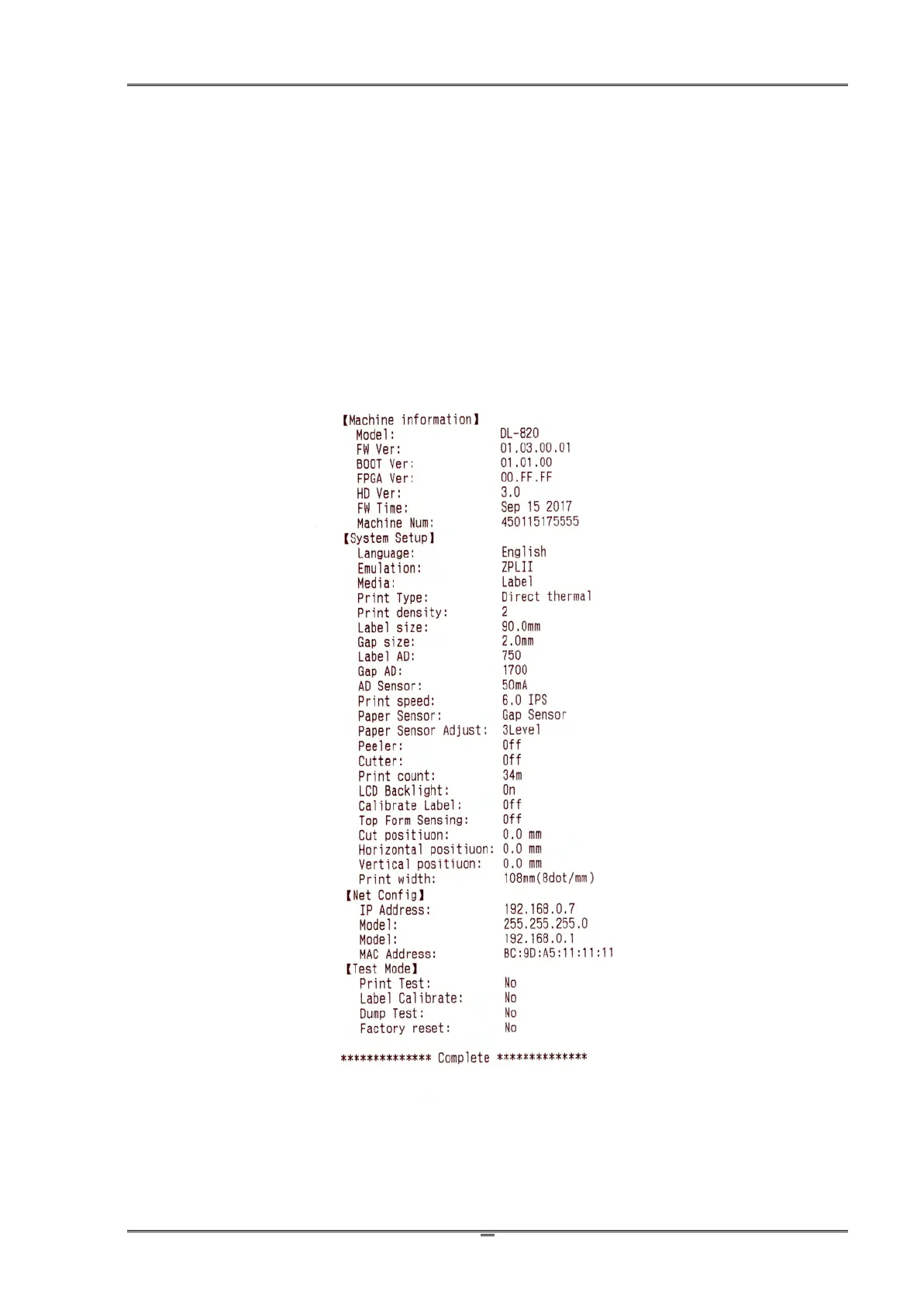
4.1 Configuration list (self-test page)
Listing the configurations helps to confirm the printer is properly setup. The procedures to print
out this configuration list:
1. Properly load the media. Close the top cover. Turn off the power.
2. Hold the ►►button when turn on the printer.
3. Release the ►►button after the power LED flashes once and the buzzer beeps once.
The printer then prints out the configuration list.



 To Next Page