The control panel User guide
30
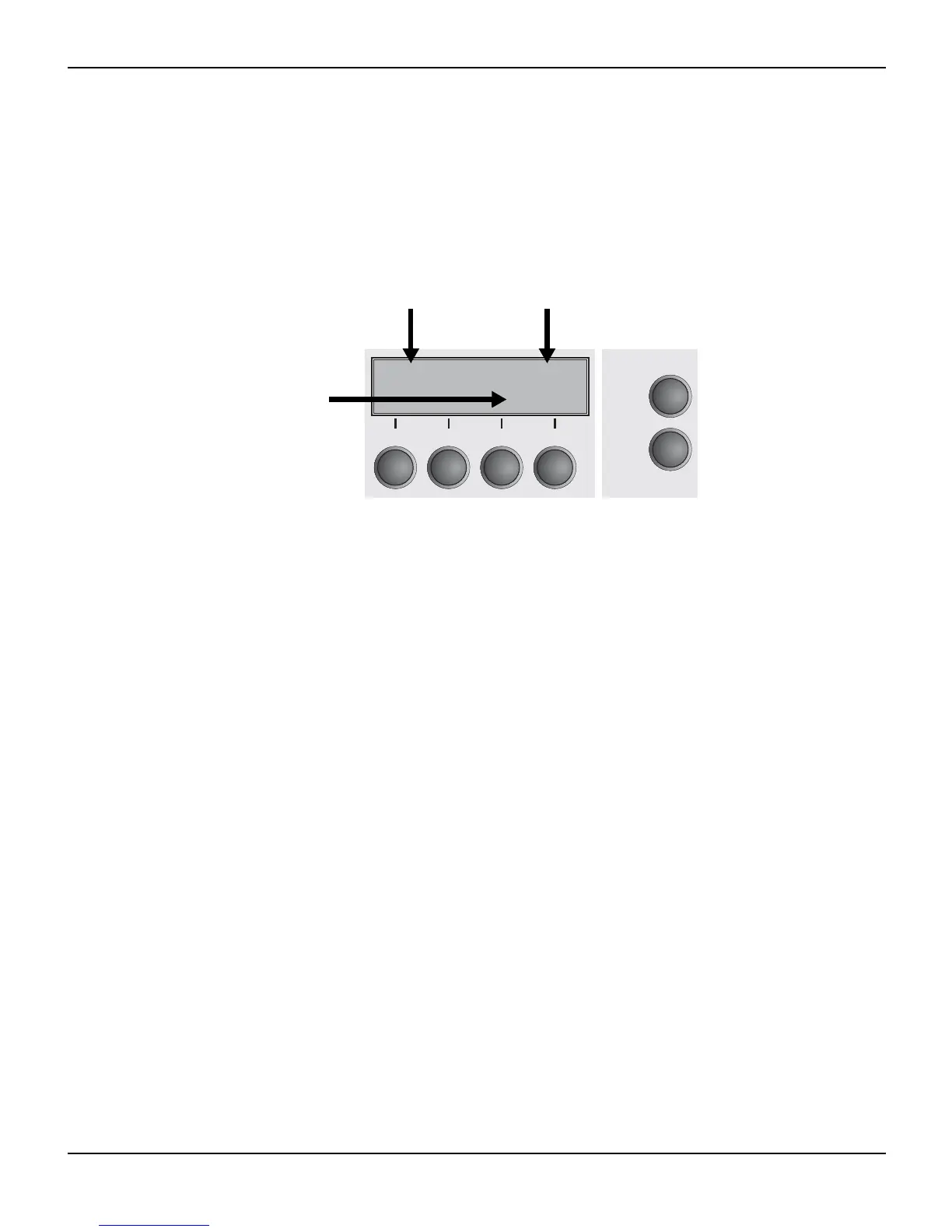
The LC display The LC display tells you all the important printer settings and informs
you which functions are currently assigned to which keys.
The upper line informs you that the printer is either in online or offline
mode (in the example below the printer is in the Online mode), and
the selected paperpath (below: Trac1 = Tractor 1 = tractor mode,
key 4 is currently activating the manual tear).
Example:
Online Trac1
Tear
Online
Setup
21
3
4
Printer status
Key functions
Paper path




 To Next Page