Paper handling User guide
42
Removing paper Never use force to remove the paper from the printer. Other-
wise the mechanical components may be damaged.
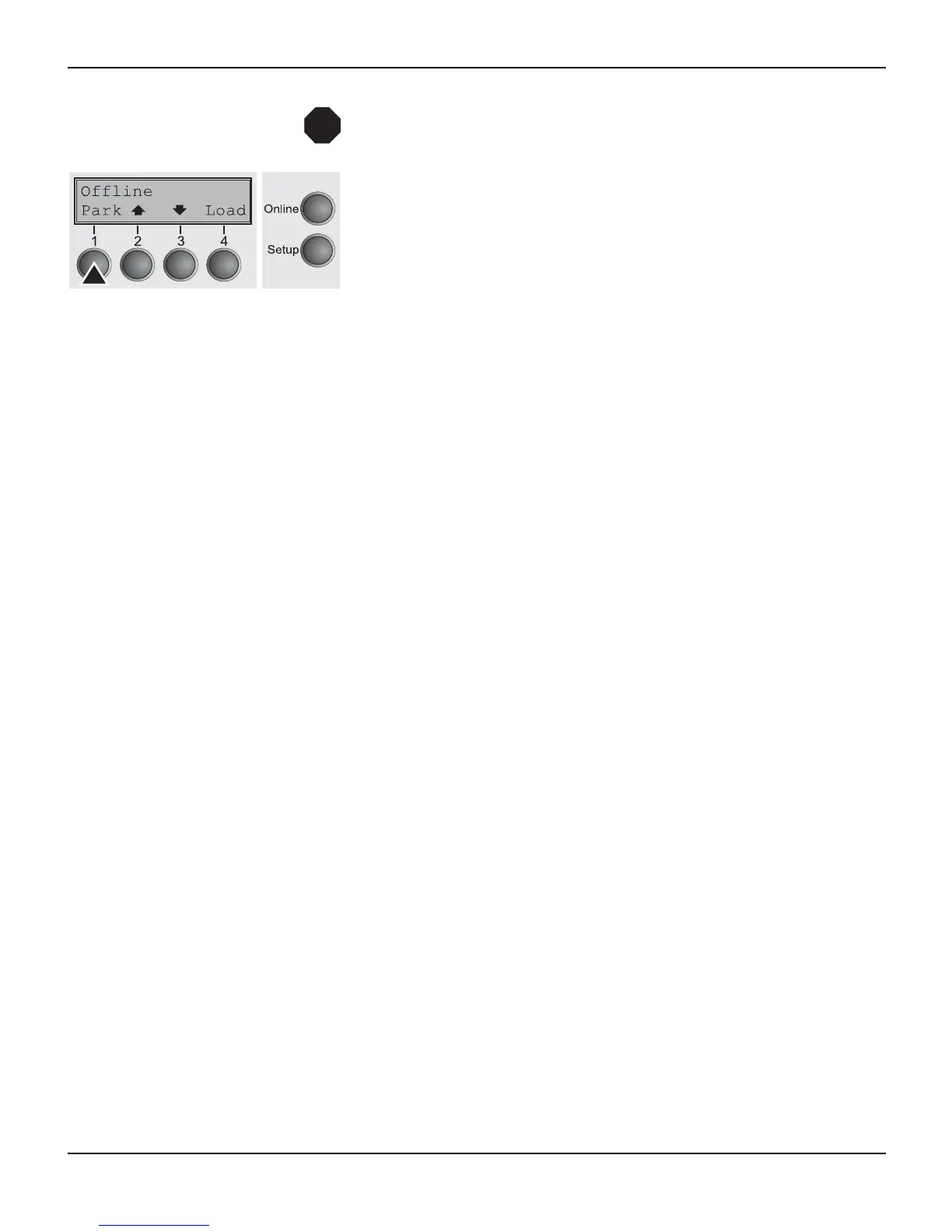
Make sure that the printer is in offline mode; press the Online key,
if necessary.
Press the Park (1) key. If fanfold paper is loaded in the printer, it is
fed to the tear position. The text Tear paper off appears in the dis-
play.
Now remove the paper from the tractor. Then press any key.
STOP




 To Next Page