TANDBERG Videoconferencing System General use
5
ENGLISH
Selecting / setting default number of channels
The default call quality setting ‘Auto’ will be used if no specific
quality is selected.
To select quality (bandwidth):
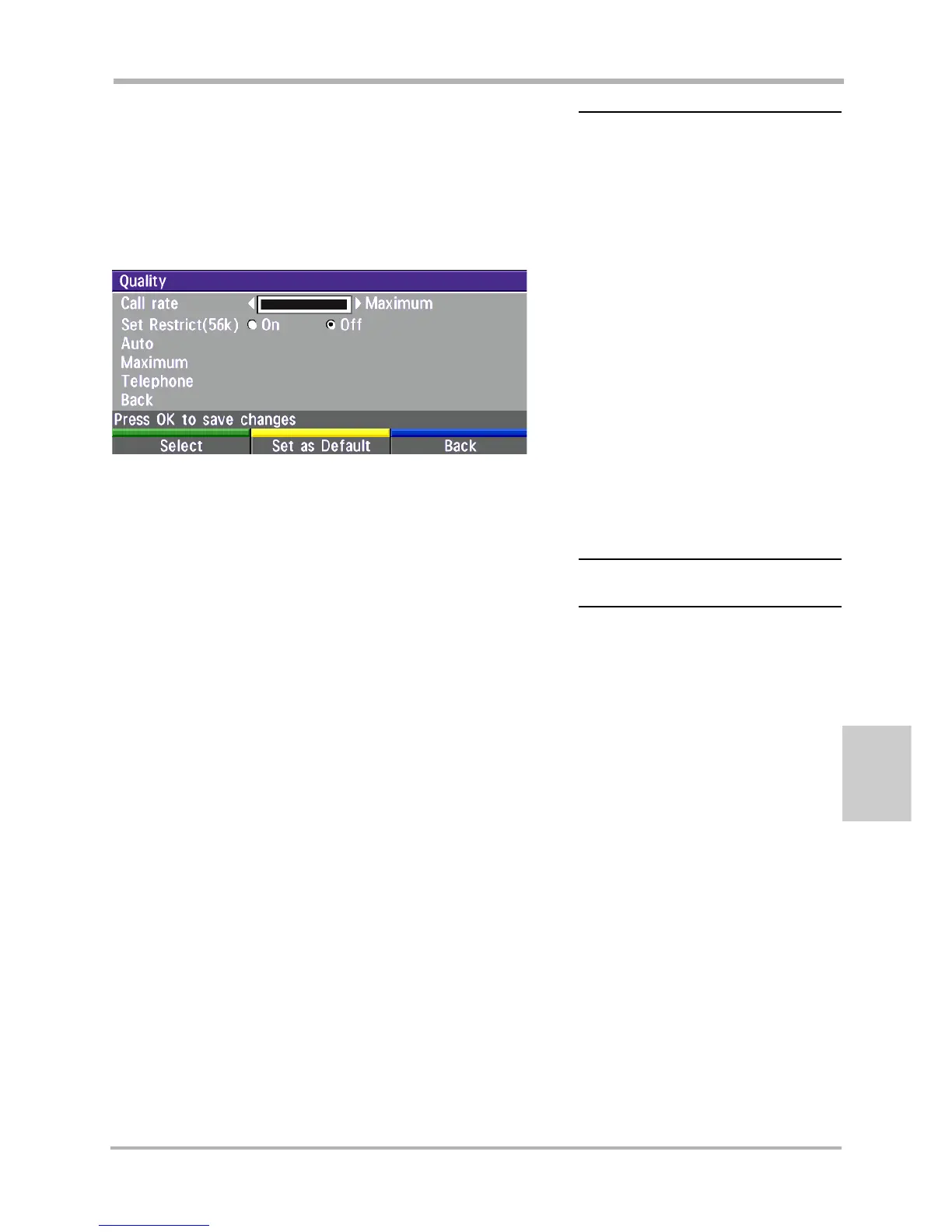
• Press the ‘Quality’ Quick Key when you are in the dial menu. The
Quality menu will then be displayed:
• Move the indicator to the desired bandwidth, then press
the ‘Select’ Quick Key.
• You may also press the ‘Set as Default’ Quick Key in
order to make the selected bandwidth the default
bandwidth for subsequent calls.
Selecting / setting default network
To select a specific network, press ‘Net’ when you are in
the dial menu.
TYPE OF CALLS
TANDBERG 6000/8000:
Auto 384kbps on ISDN/768kbps on LAN
Max * 768kbps on ISDN-BRI
* 1472/1920kbps (23/30Ch)
on ISDN-PRI (T1/E1)
* 3Mbps(1920kbps) on LAN
TANDBERG 550/880/1000/2500:
Auto 384kbps on ISDN/768kbps on LAN
Max 384kbps on ISDN/768kbps on LAN
TANDBERG 6000/8000 only:
3072 3072 kbps (3Mbps, LAN only)
2560 2560 kbps (2,5Mbps, LAN only)
1920 1920 kbps (2Mbps, 30B)
1472 1472 kbps (23B)
1152 1152 kbps (18B)
All products:
768 768 kbps (12B)
512 512 kbps (8B)
384 384 kbps (6B)
320 320 kbps (5B)
256 256 kbps (4B)
192 192 kbps (3B)
128 128 kbps (2B)(Bonding/H.221)
64 64 kbps (1B)(H.221)
H0 1xH0 (384 kbps) (PRI only)
Teleph Telephone Call
SOME SOFTWARE VERSIONS AND NETWORKS
DO NOT SUPPORT ALL CHANNEL SELECTIONS.



 To Next Page