TANDBERG Videoconferencing SystemGeneral use
4
Answer a call
To answer a call, press CONNECT.
Manual answer of a call is needed if the autoanswer facility is switched off.
End a call
To end a call, press DISCONNECT.
Correcting keying mistakes
To delete the last digit (or character) entered, press DELETE.
connect
disconnect
delete
Making and ending calls
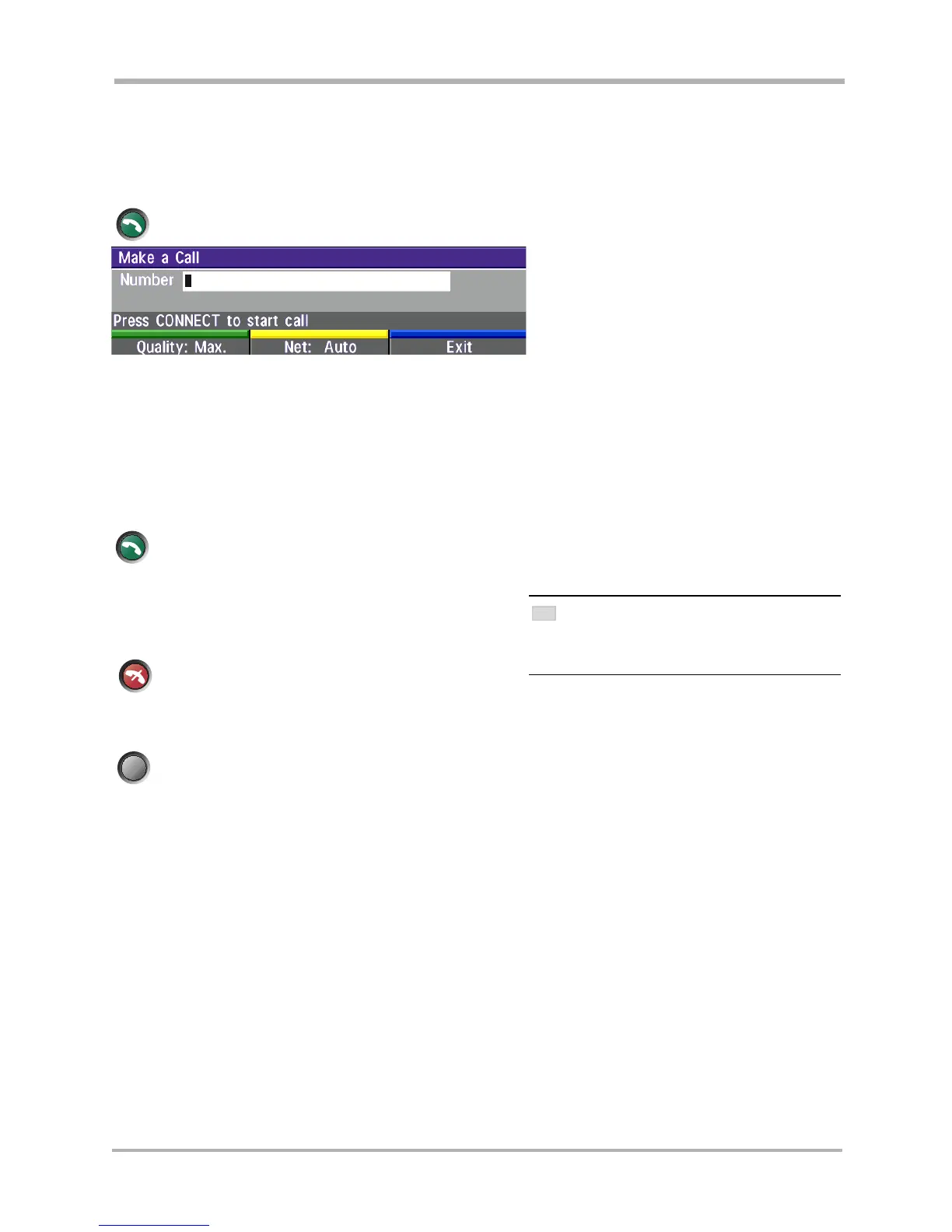
Making a call
To make a call, enter the number or the IP-address of the unit you wish to call using the Dialing keys
and press CONNECT.
To make a call via a LAN, enter an IP-address by using a * as the ‘dot’ in the IP-address, e.g. 123*3*0*12 will be
interpreted as 123.3.0.12. If a gatekeeper is present, you may place IP-calls using “telephone-style” numbers (an
E.164 alias), according to the numbering plan implemented in the gatekeeper. The dialed number will then be
translated into an IP-address by the gatekeeper.
connect
Net: Auto Quality: Auto
ENDING A CALL
SWITCHING OFF THE MONITOR(S) WILL NOT DISCONNECT
A
CALL. TO DISCONNECT A CALL YOU SHOULD PRESS THE
DISCONNECT KEY.
TIP



 To Next Page