Customer Technical Support: 1-877-801-6901136
Chapter 15 – t:slim Pump Alerts
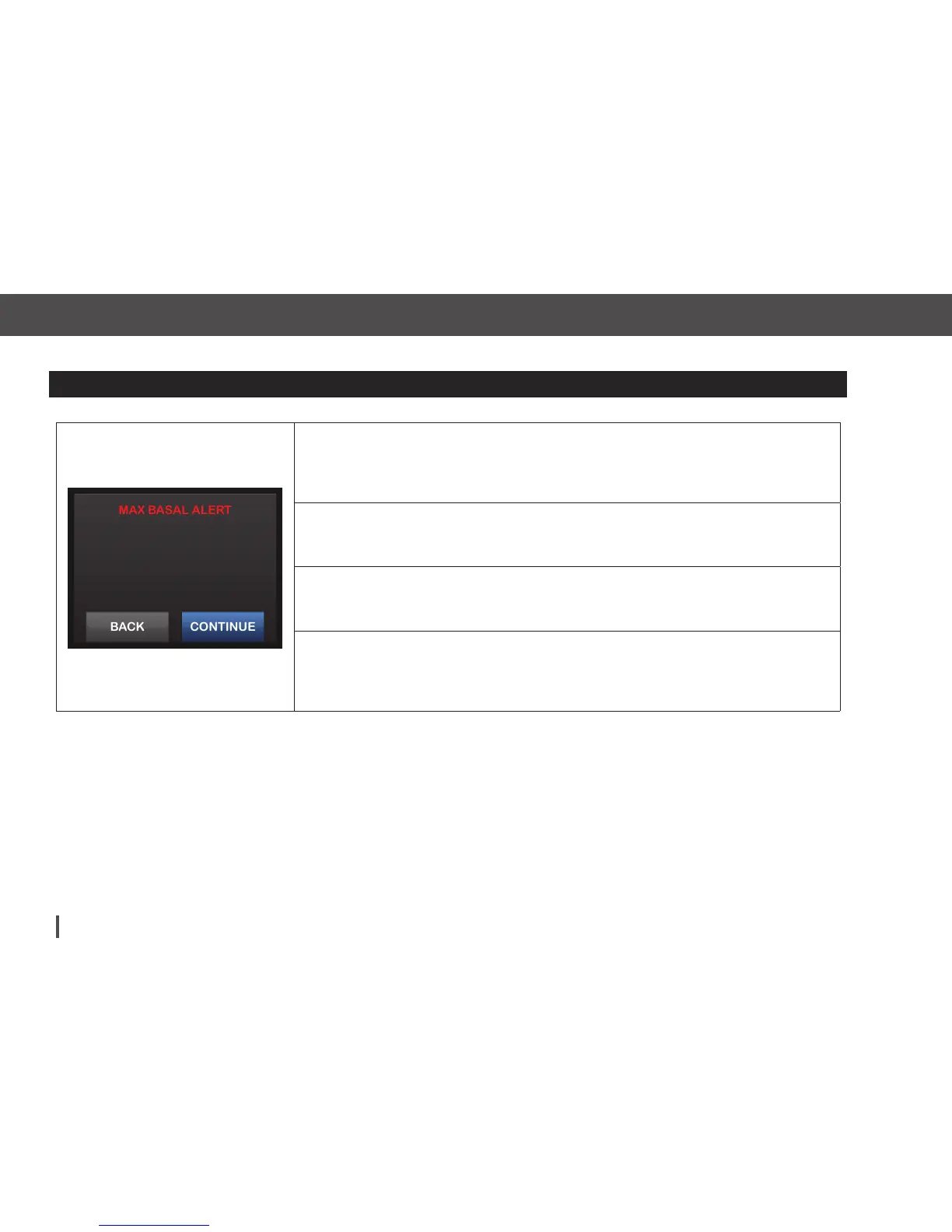
Max Basal Alert 1
What will I see on the Screen?
What does it mean?
When entering a basal rate or requesting a temp rate, you requested a basal rate
more than 2 times the highest basal rate defined in your Personal Profile.
How will the system notify me?
Prompt screen only.
Will the system re-notify me?
No. You must tap BACK or CONTINUE to move forward.
How should I respond?
Tap BACK to return to the previous screen to adjust the amount, or tap CONTINUE
to dismiss the alert and continue with the request.
You are going to exceed 2x your
highest basal setting. Press
CONTINUE to override the setting.


 To Next Page