(UK)
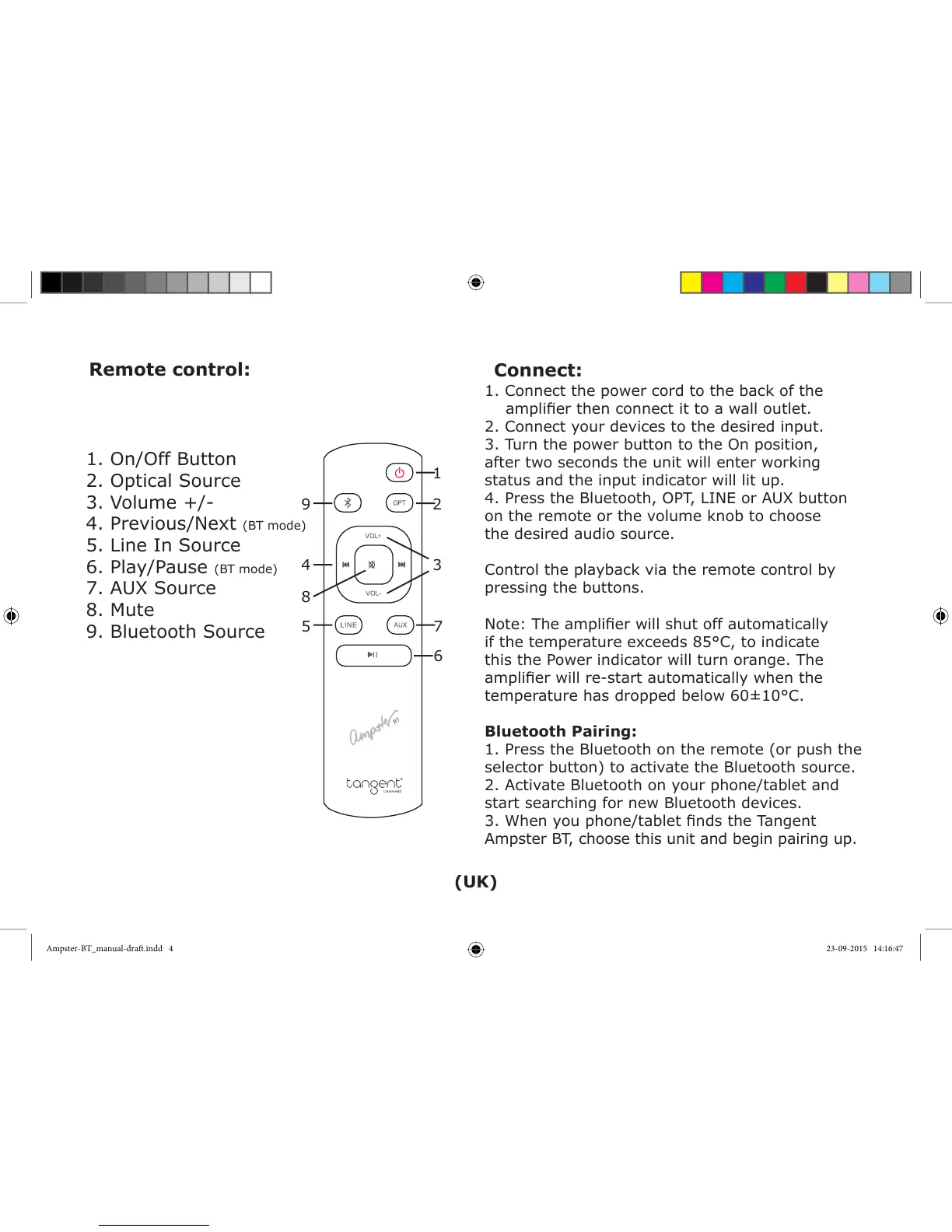
1. On/Off Button
2. Optical Source
3. Volume +/-
4. Previous/Next (BT mode)
5. Line In Source
6. Play/Pause (BT mode)
7. AUX Source
8. Mute
9. Bluetooth Source
1. Connect the power cord to the back of the
amplierthenconnectittoawalloutlet.
2. Connect your devices to the desired input.
3. Turn the power button to the On position,
after two seconds the unit will enter working
status and the input indicator will lit up.
4. Press the Bluetooth, OPT, LINE or AUX button
on the remote or the volume knob to choose
the desired audio source.
Control the playback via the remote control by
pressing the buttons.
Note:Theamplierwillshutoffautomatically
if the temperature exceeds 85°C, to indicate
this the Power indicator will turn orange. The
amplierwillre-startautomaticallywhenthe
temperature has dropped below 60±10°C.
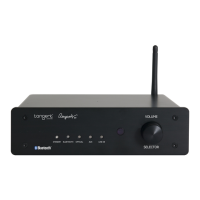
Bluetooth Pairing:
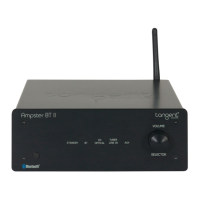
1. Press the Bluetooth on the remote (or push the
selector button) to activate the Bluetooth source.
2. Activate Bluetooth on your phone/tablet and
start searching for new Bluetooth devices.
3.Whenyouphone/tabletndstheTangent
Ampster BT, choose this unit and begin pairing up.
Remote control:
1
2
34
8
7
6
5
9
Connect:
Ampster-BT_manual-draft.indd 4 23-09-2015 14:16:47


 To Next Page