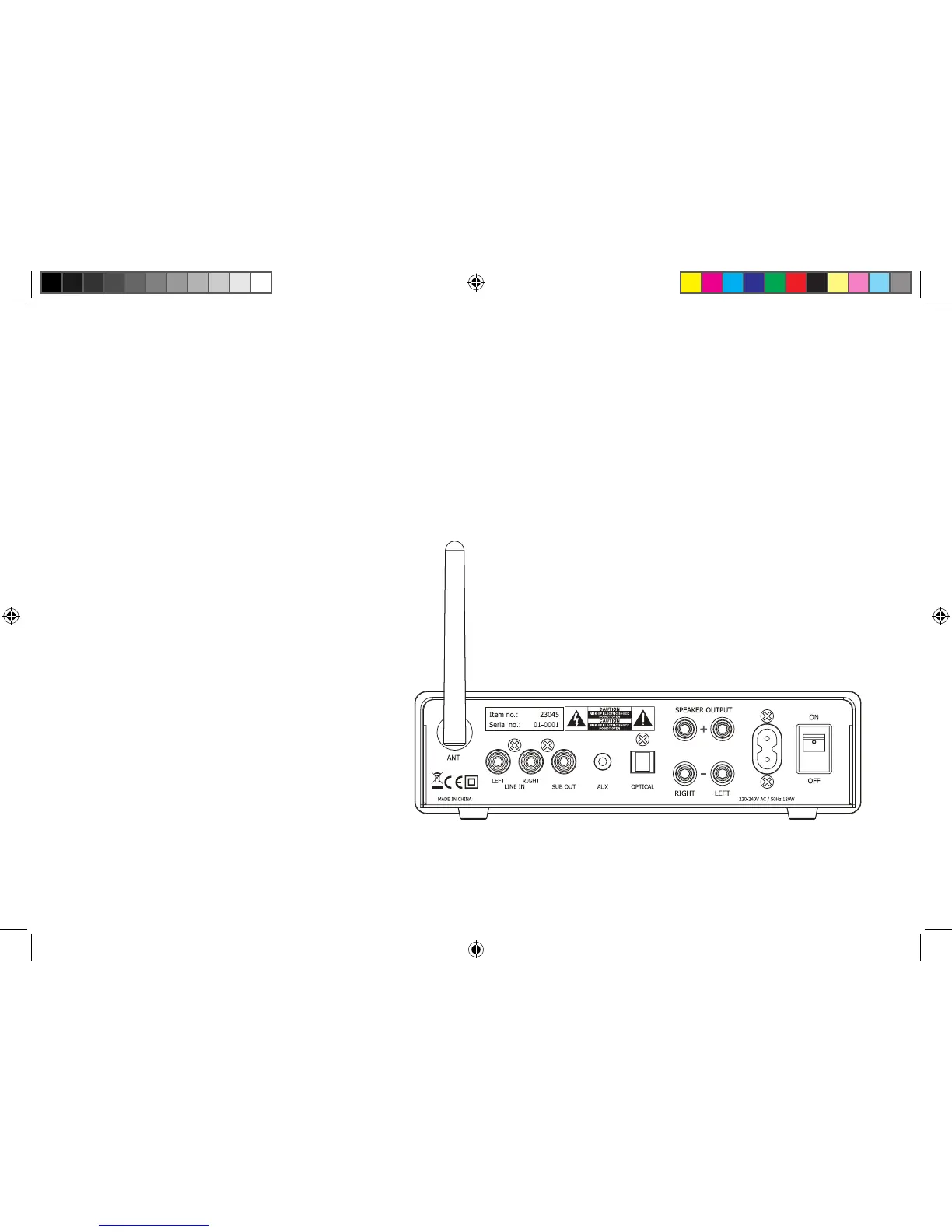
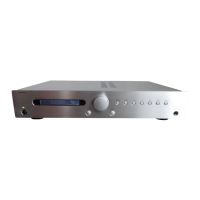
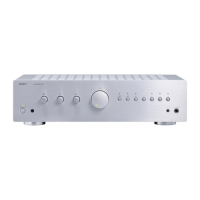
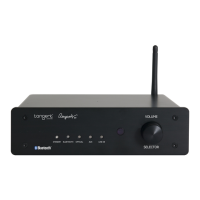
Connect Your Device:
Connect your loudspeakers to the Speaker
Output.
Make sure you connect the -/+ and the
L/R cables to the correct input.
Connect your subwoofer to SUB out.
Connect a CD player or other device via
its RCA cable to the RCA L/R input.
Make sure you connect the “L” plug to the
left input channel and the “R“ plug to the
right input channel.
Connect your phone/tablet/MP3 via an
AUX cable to AUX Input.
Use the optical input by connecting a
deviceusingaopticalbercabletothe
Optical Input.
Note:
Remember to change into the desired
sourceontheamplier.
(UK)
Ampster-BT_manual-draft.indd 5 23-09-2015 14:16:47


 To Next Page