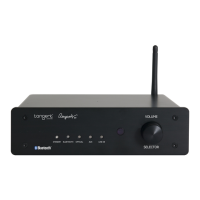
Indicator Function
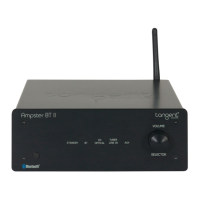
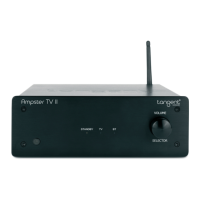
Power/Standby indicator
Power: Power on-The product in power off status, then push the power source button on rear panel at
“ON” position the LED indicator blinks one time and the startup sound from electric relay in the unit,
afterabout2secondstheamplierwillbeinworkingstatus.Notethattheunitwillnotrememberthe
settings from before it was powered off.
Power off:
Push the power source button at “OFF” position, then the close sound from the electric relay and unit
go into power off status.
Standby:
Press the standby button on the remote control, or push the Volume/selector button. then the unit will
go into standby, and the standby LED will be red color. The unit is in standby status.
(When the Ampster goes into auto standby when inactive in 30min, you can wake it up via bluetooth signal)
Power on (from standby mode): Press standby on the remote control or push the Volume/selector button.
Andafterabout2secondstheamplierwillbeinlasttimeworkingstatusbeforestandby.
Bluetooth input indicator
Press to select Bluetooth as your audio source.
Optical input indicator
Presstoselectinputmethodasopticalberwiredaudiosource.
AUX input indicator
Press to select input method as 3.5mm audio jack line in.
Line-in input indicator
Press to select input method as wired RCA Line-in.
Volume and input switch button
This selector can adjust volume (turn left or right) and also switch the input mode (push)
(For standby push and hold the button)
(UK)
Ampster-BT_manual-draft.indd 6 23-09-2015 14:16:47


 To Next Page