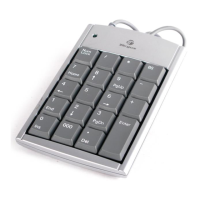
Targus Wireless Stow-N-Go
TM
Keypad
• Increase the distance between the receiver and the base
units of other wireless devices.
• Turn off any wireless devices and their base units that are
near the keypad’s receiver.
• If you are using the keypad on a metal surface, move
it and the receiver to a non-metal surface. Metals, such
as iron, aluminum or copper, shield the radio frequency
transmission and may slow down the keypad’s response
time or cause the keypad to fail temporarily.
• Replace the batteries.
14



 To Next Page