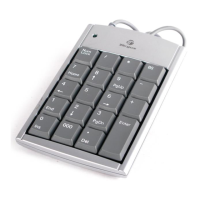
Targus Wireless Stow-N-Go
TM
Keypad
3 Slide the battery cover back into position until it “clicks”
fi rmly into place.
Connecting the Receiver and
Installing the Default Drivers
To connect the receiver:
1 Remove the receiver from the back of the keypad.
2 Plug the USB receiver into an available USB port on
your computer.
For Windows® 2000/XP/Vista, the “Found New Hardware”
or “Auto-detect of a HID device” message will appear to
indicate the installation of the default driver.
NOTE: YOU MAY NEED TO ESTABLISH A COMMUNICATION LINK BETWEEN
THE KEYPAD AND THE RECEIVER. SEE “ESTABLISHING A COMMUNICATIONS
LINK” .
7



 To Next Page