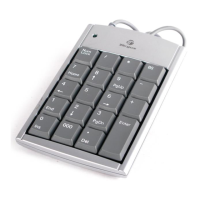
Targus Wireless Stow-N-Go
TM
Keypad
Operating System
• Windows® 2000/XP
• Windows Vista™
Installing the Batteries
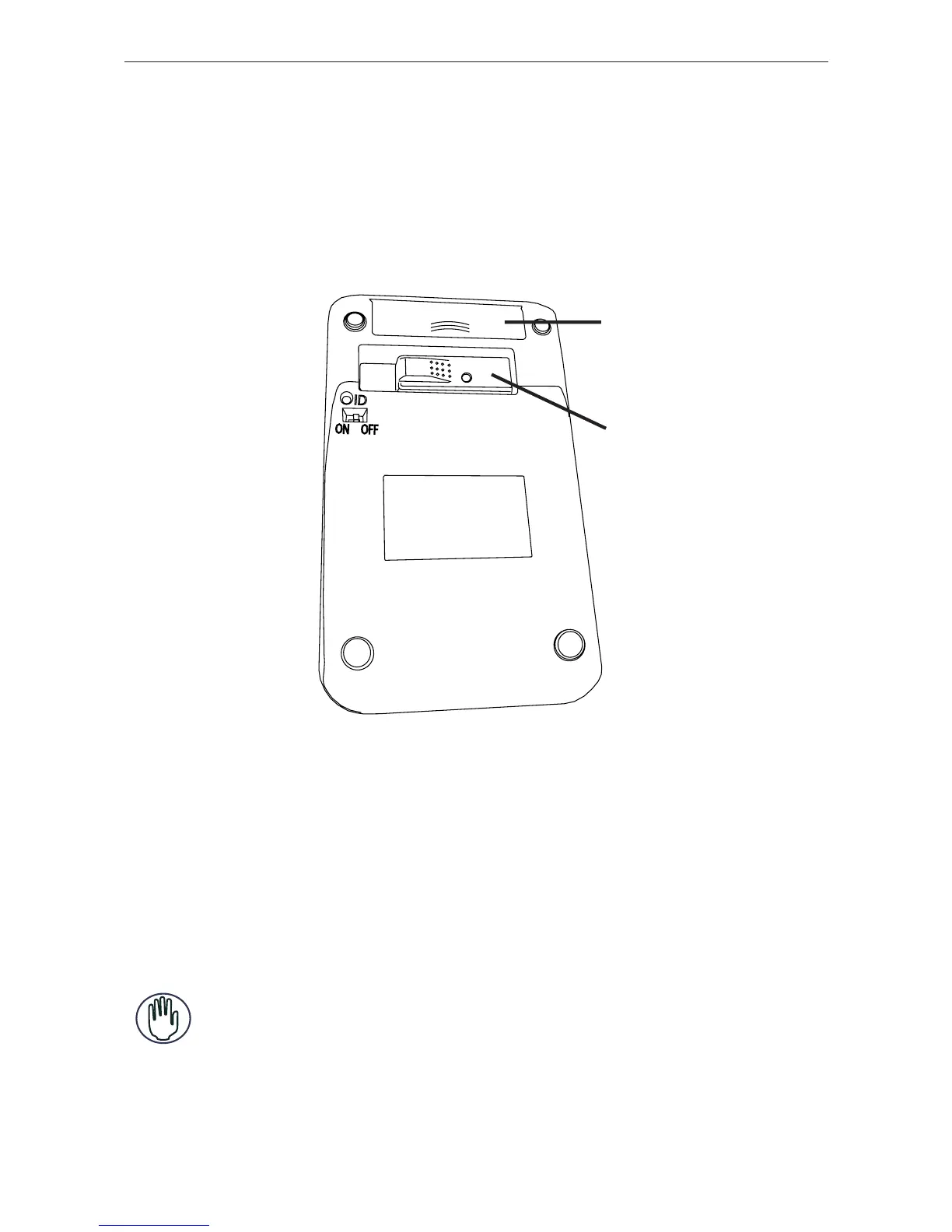
Battery
Cover
Receiver
Keypad - back view
1 Remove the battery cover from the back of the keypad.
2 Insert the supplied batteries, making sure that the
positive (+) and negative (-) ends of each battery match
the polarity indicators inside the battery housing.
WARNINGS: WHEN REPLACING THE BATTERIES, YOU MAY USE ALKALINE OR
OTHER HEAVY-DUTY NIMH BATTERIES. NEVER COMBINE AN ALKALINE WITH A
NIMH BATTERY IN A DEVICE.
AVOID MIXING NEW AND USED BATTERIES IN A DEVICE.
6



 To Next Page