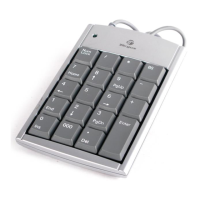
Targus Wireless Stow-N-Go
TM
Keypad
Sistema operativo
• Windows® 2000/XP
• Windows Vista™
Cómo instalar las pilas
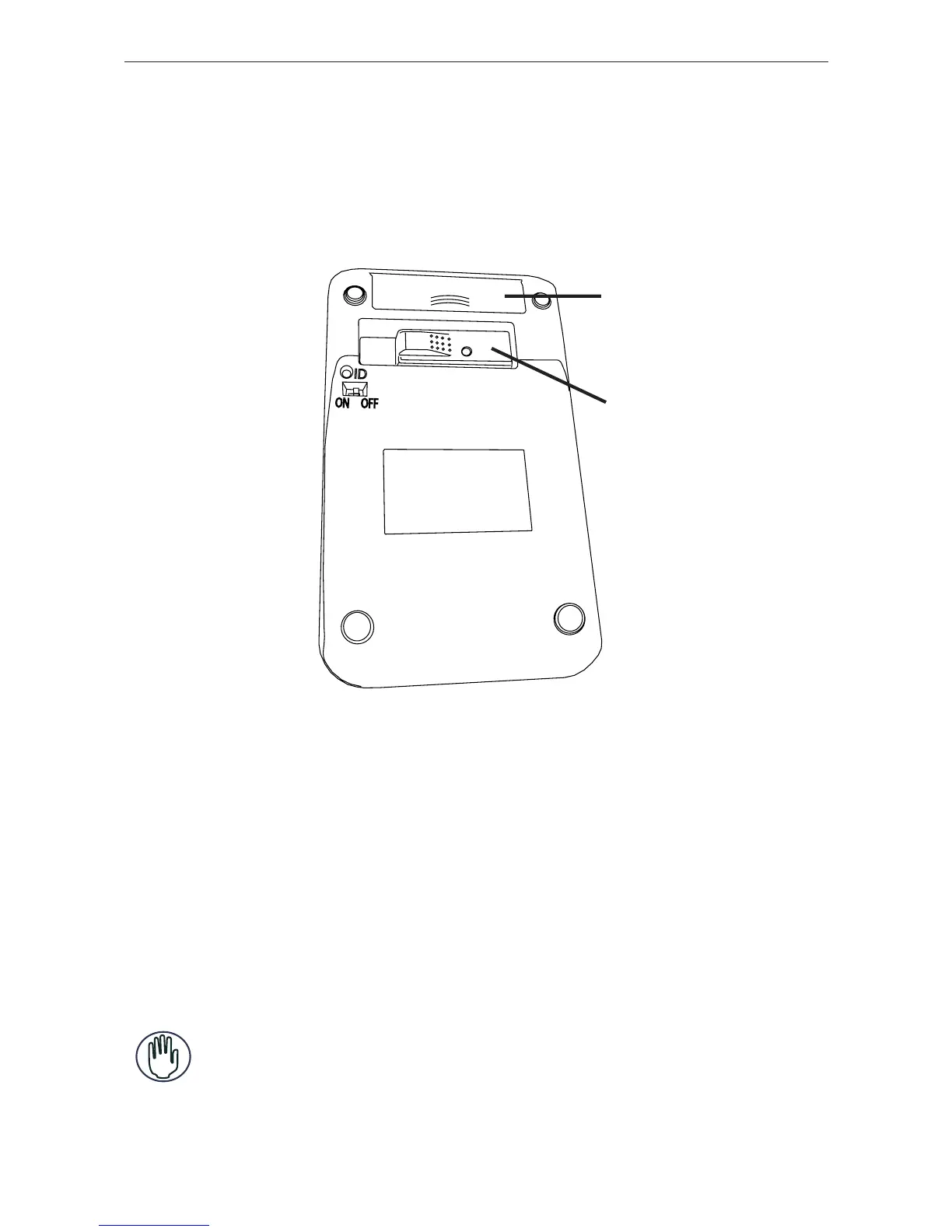
Cubierta de las
pilas
Receptor
teclado - vista posterior
1 Retire la cubierta de las pilas de la parte posterior del
teclado.
2 Instale las pilas suministradas, verifi cando que los polos
positivo (+) y negativo (-) de cada pila coincidan con los
indicadores de polaridad ubicados dentro del receptáculo
de las pilas.
ADVERTENCIAS: CUANDO CAMBIE LAS PILAS, PUEDE USAR PILAS ALCALINAS
U OTRAS PILAS DE NIMH DE LARGA DURACIÓN. NUNCA COMBINE EL USO DE
UNA PILA ALCALINA CON UNA PILA DE NIMH EN EL MISMO DISPOSITIVO.
EVITE USAR PILAS NUEVAS CON PILAS USADAS EN UN DISPOSITIVO.
72



 To Next Page