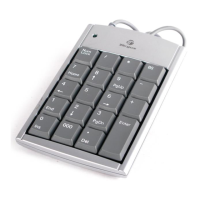
Targus Wireless Stow-N-Go
TM
Keypad
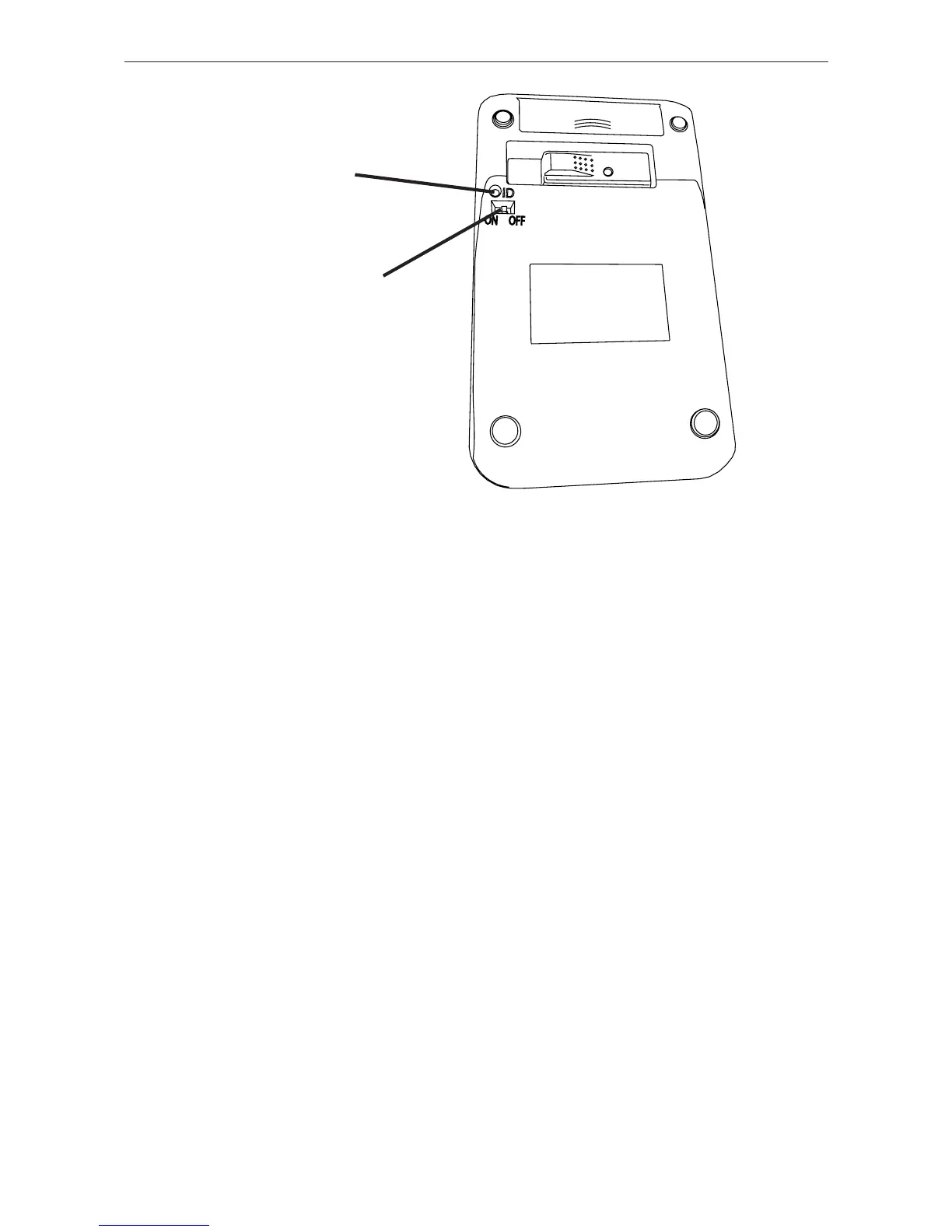
Connection
Button
On/Off Switch
The LED on the receiver will fl ash for 60 seconds to
indicate ID search mode.
2 During this time, press and release the connection
button on the back of the calculator/keypad.
When a communications link is established, the LED on
the receiver will stop fl ashing.
You are now ready to use the keypad.
9



 To Next Page