5
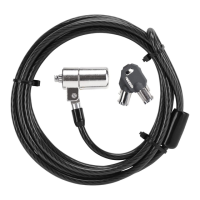
Targus Notebook Security DEFCON® CL Combo Cable Lock
4 Using the dials, enter the new combination.
5 Rotate the reset screw 90 degrees counterclockwise,
back to its original vertical position, to save the new
combination.
Locking the combination lock
6 Record the combination in either the space provided
at the end of this guide or another secure, easy-to-find
place.
Testing the Combination
Before attaching the lock to your notebook computer:
1 Turn the dials to disguise the combination.
2 Return to the combination you set.
3 Check that the locking button depresses completely.
Securing the DEFCON CL
Select an object in the room to which you will secure your
notebook computer with the DEFCON CL. Choose a
large, heavy piece of furniture such as a table or desk, or
an immovable fixture such as a closet hanging bar.



 To Next Page