8
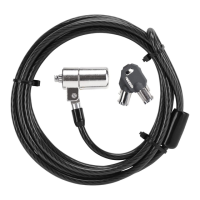
Targus Notebook Security DEFCON® CL Combo Cable Lock
Using the DEFCON
SecureSpacers
1 Insert your DEFCON locking device into the
computer’s lock slot.
2 Pull the DEFCON locking device away from the
computer and check whether the gap is excessive.
3 If so, try each of the SecureSpacers to determine
which one fits the gap. The SecureSpacers come in
three sizes: 1.6 mm, 0.8 mm, and 0.4 mm.
NOTE: D
O NOT REMOVE THE ADHESIVE STRIP FROM ANY OF THE
SECURESPACERS UNTIL YOU DECIDE WHICH ONE TO USE.
4 Once you know which SecureSpacer you are going to
use, remove the locking device from the computer.



 To Next Page