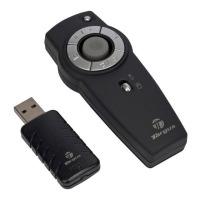
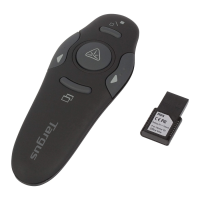
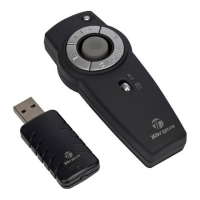
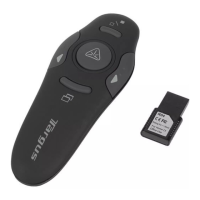
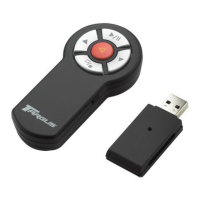
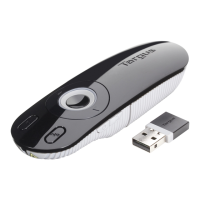
Targus Multimedia Presentation Remote
6
Targus Multimedia Presentation Remote
7
GB – Introduction
Thank you for your purchase of the Targus Multimedia Presentation
Remote. This combination remote, with laser pointer and cursor control,
works with both Microsoft PowerPoint
®
and Apple Keynote
®
. This cordless
remote also offers true plug and play capability with no need for software
drivers, while the long-range 2.4 GHz technology allows for effective
presentations up to 50 feet (15 m).
System Requirements
Hardware
• USB port
Operating System
• Microsoft Windows
®
2000
• Microsoft Windows
®
XP
• Microsoft Windows Vista
®
• Microsoft Windows
®
7
• Mac OS
®
X 10.4 or later
Contents
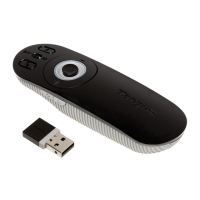
• Targus Multimedia Presentation Remote
• Mini USB Receiver
• 2 x AAA Batteries
• User Guide
Setting Up Your Remote
Installing the Batteries
Press the battery cover release button to open the battery cover and
carefully lift the cover as shown.
Battery cover
Insert the supplied batteries, making sure the positive (+) and negative
(-) ends of the batteries match the polarity indicators inside the battery
compartment.
Spare battery compartment
Battery cover release button


 To Next Page