U s e r M a n u a l M D T 8 0 0 0 | 11
Track: To activate or deactivate Tracking mode:
1. Press and hold the “TS” button for more than 3 seconds.
Fc: To change the Frequency:
1. Press and hold the “Menu” button for more than 3 seconds. The cursor will highlight the ‘Fc’
icon.
2. While the cursor highlights the “Fc” icon, adjust the frequency with “Plus Arrow” or “Minus
Arrow” buttons to change the frequency.
(The 4 Frequencies available are 6.4 KHz, 9 KHz, 12 KHz, and 18 KHz)
TrH: To adjust the Threshold:
1. Press and release the “Menu” button until the cursor highlights the “Trh” icon.
2. While the cursor highlights the “TrH” icon, adjust the Threshold level with “Plus Arrow” or “Minus
Arrow” buttons.
Disc: To adjust the discrimination set point:
1. Press and release the “Menu” button until the cursor highlights the “Dsc” icon.
2. While the cursor highlights the “Dsc” icon, adjust the Discrimination Set Point with “Plus Arrow”
or “Minus Arrow” buttons.
(Refer to “Discrimination Breakdown Visuals” for a visual representation.)
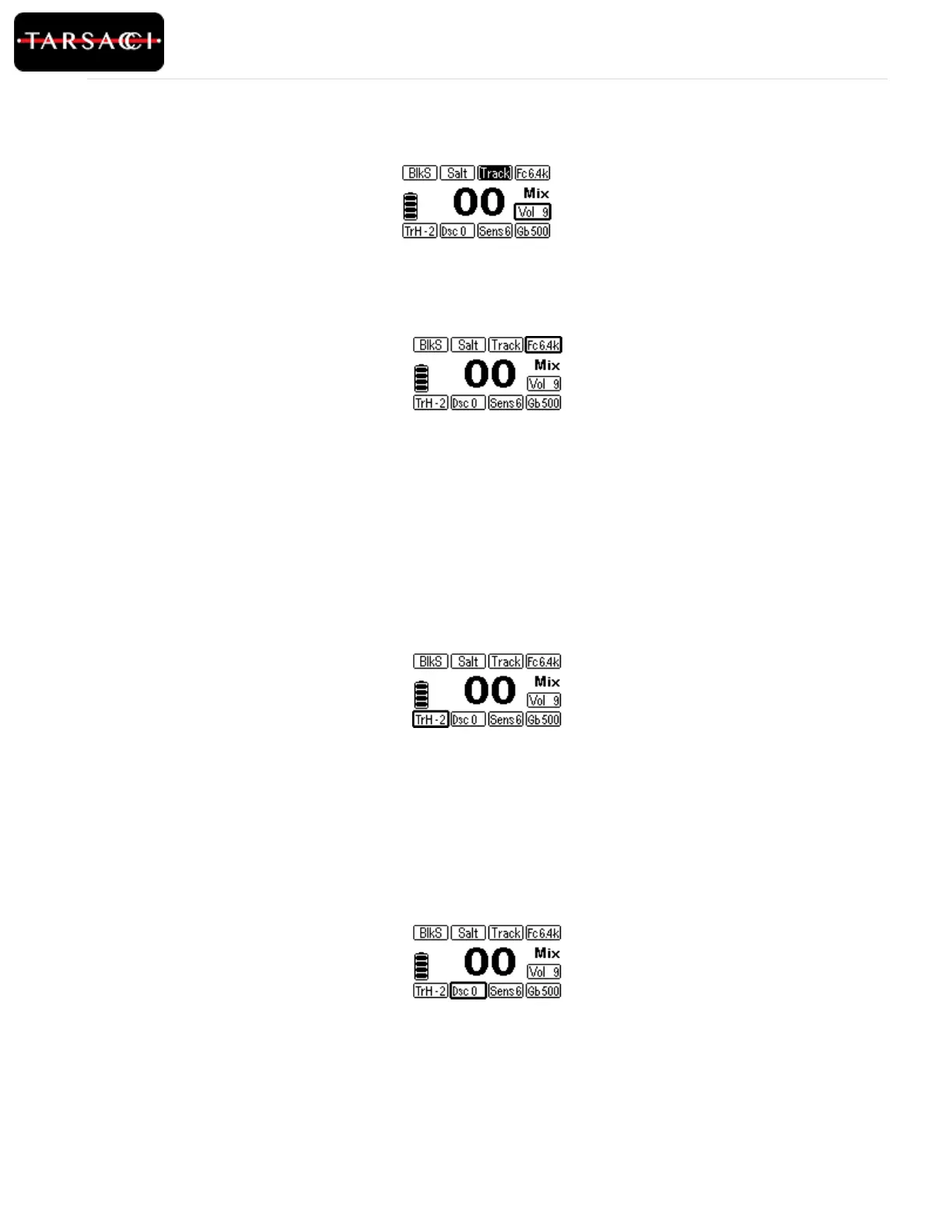
Figure 5: Tracking is activated
Figure 8: The Discrimination Set Point is highlighted and can be adjusted
Figure 6: Frequency select is highlighted and the frequency can be changed
Figure 7: Threshold is highlighted and can now be adjusted.



 To Next Page