U s e r M a n u a l M D T 8 0 0 0 | 12
Sens: To adjust the Sensitivity:
1. Press and release the “Menu” button until the cursor highlights the “Sens” icon.
2. While the cursor highlights the “Sens” icon, adjust the Sensitivity with “Plus Arrow” or “Minus
Arrow” buttons.
GB: To Adjust the Ground Balance:
1. Press and release the “Menu” button until the cursor highlights the “Gb” icon.
2. While the cursor highlights the “Gb” icon, adjust the Ground Balance with “Plus Arrow” or
“Minus Arrow” buttons.
Sound Modes: Press and release the “Mode” button to toggle between the 3 available sound modes
(If the cursor is highlighting the “St/Salt” or “BlkS” icons, the Sound Modes cannot be toggled)
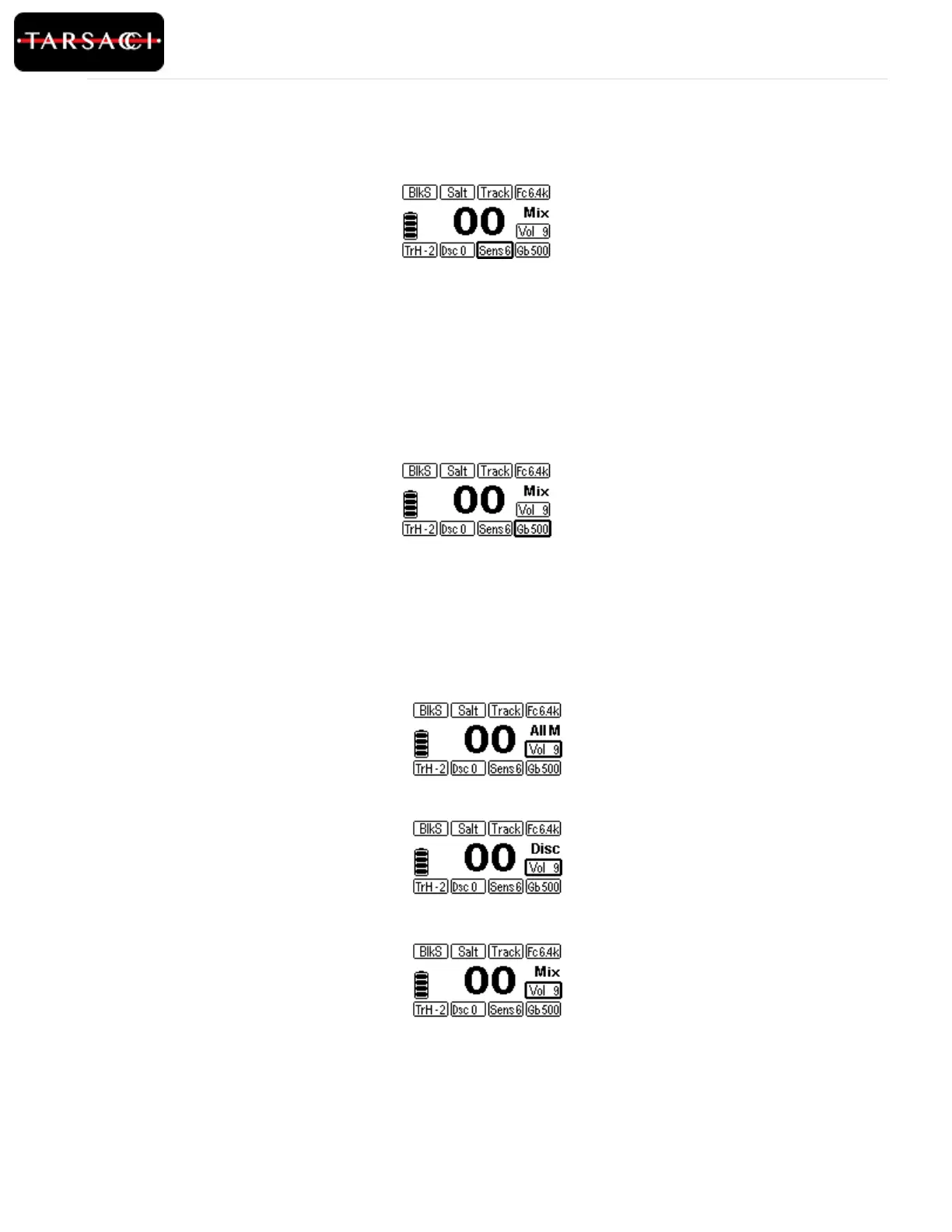
Figure 9: Sensitivity is highlighted and can be adjusted
Figure 10: Ground balance is highlighted and can be adjusted accordingly.
Figure 11: All Metal Mode is active
Figure 12: Disc Mode is active
Figure 13: Mix Mode is active



 To Next Page