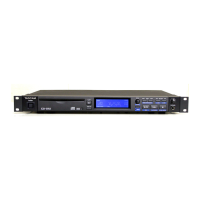
2 − Features of the CD-160MKII
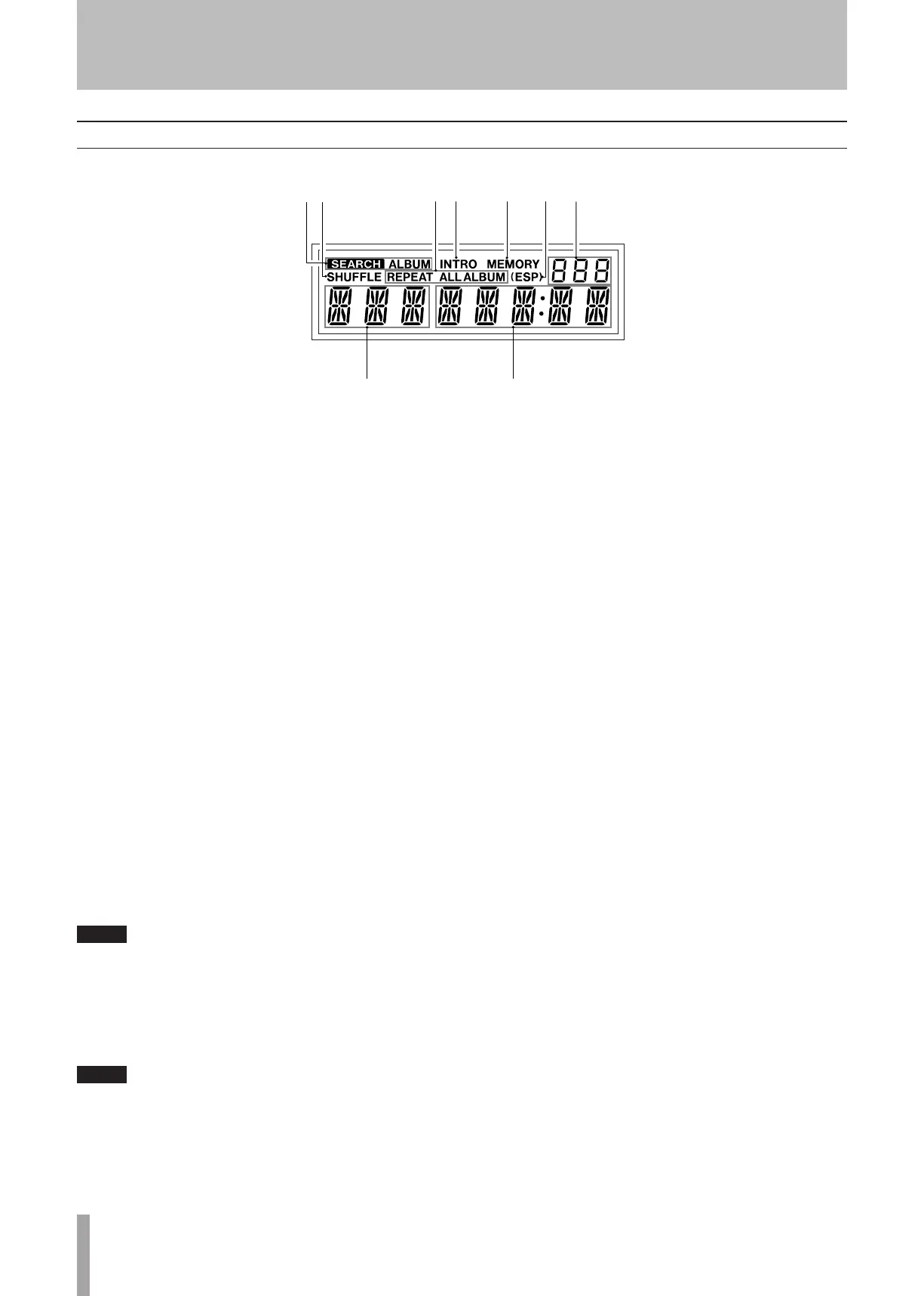
1 SEARCH / SEARCH ALBUM
When the Search function is on, SEARCH or SEARCH ALBUM
is lit according to the selected mode.
2 SHUFFLE
SHUFFLE is lit when this function is on.
3 REPEAT display
When the Repeat function is on, the display shows the
repeat playback mode currently selected.
4INTRO
INTRO is lit when this function is on.
5 MEMORY
MEMORY is lit when Program playback is on.
6 ESP display
(ESP) is lit when ESP (Electric Shock Protection) is on.
7 DISC / FOLDER display
Cd lights when a CD is loaded. When a MP3 disc
containing folders is loaded, the display shows the total
number of the folders.
8 Track number display
When a CD is loaded, the display shows the total
number of tracks. When a MP3 disc containing fold-
ers is loaded, the display shows the total number of
the folders.
When in search mode (MP3 only), the initial letter of
a track name appears on the display (see "Search for
a name of track" on page 20).
9 Counter display
This shows the time information of the disc.
When in search mode (MP3 only), the display shows
a track name (see "Search for a name of track" on
page 20).
Display


 To Next Page