TASCAM CD-160MKll 21
3 − Disc operations
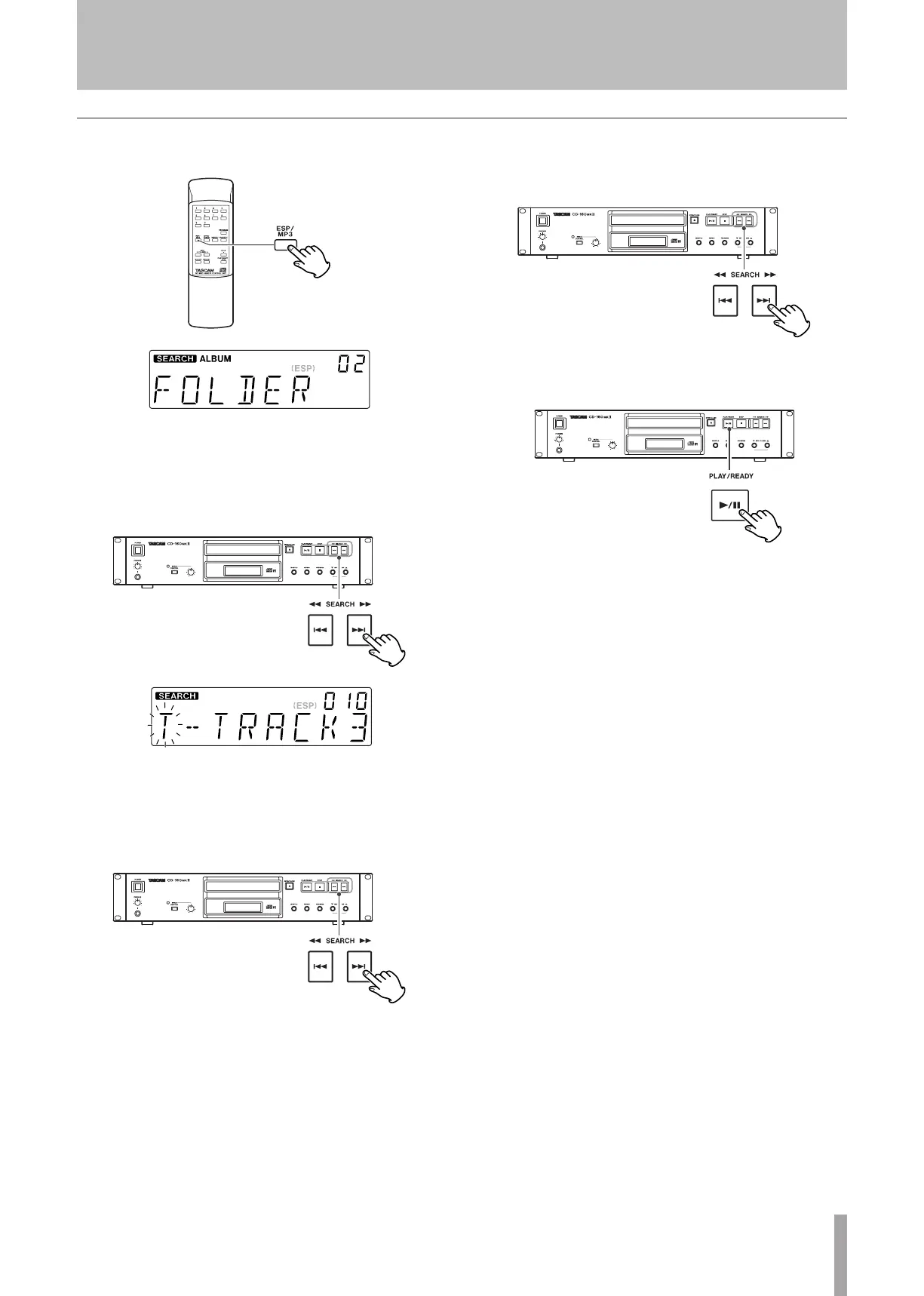
1. Press the MP3 key twice.
The name of folder is displayed.
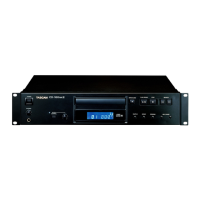
2. Press the skip key (
 or ¯) to find the folder
that the track you want to listen to is included.
MP3 tracks recorded out of folders are in the “ROOT”
folder.
3. Press and hold the skip key (
 or ¯).
•
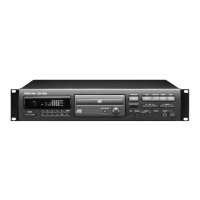
4. Select the track in the folder by pressing the skip
key (
 or ¯).
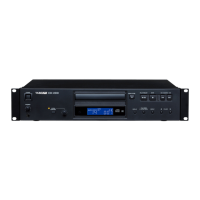
5. Press the PLAY/READY key (¥/π) to start playback.
Playback starts from the selected track.
If you skip steps 3 and 4, playback will start from the
first track in the selected folder.
•
Search for a track in a folder


 To Next Page