18 TASCAM CD-160MKll
3 − Disc operations
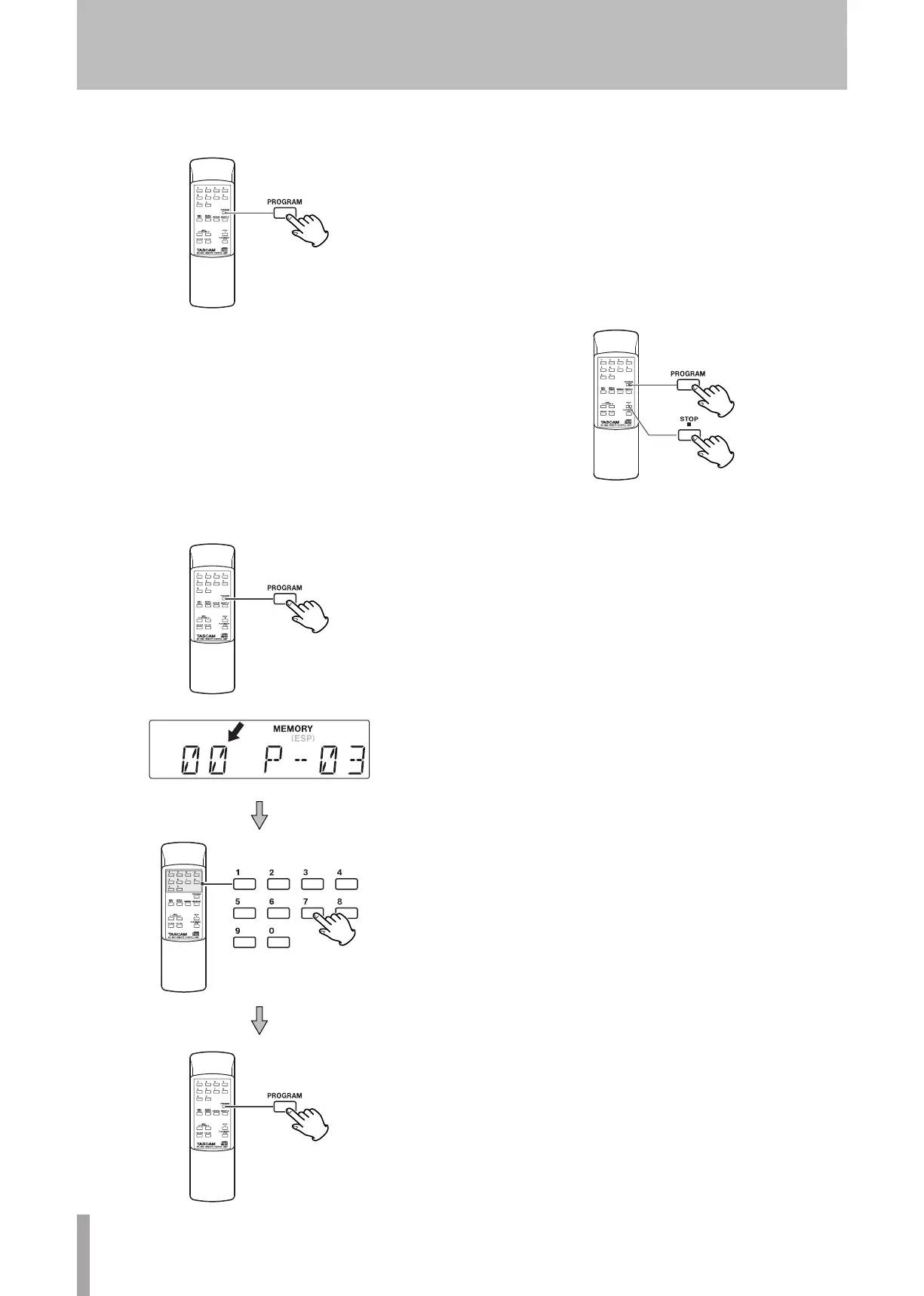
To check the programmed order
In the stop mode, press the PROGRAM key repeatedly.
The track number and program number will be shown on
the display.
To add a track to the end of the program
In the stop mode, press the PROGRAM key repeatedly
until 00 appears on the display. Select a track number
using the numeric keys or the skip key (Â or ¯) and
then press the PROGRAM key. The track is added to the
end of the program.
ª
ª
To overwrite the program
In the stop mode, press the PROGRAM key repeatedly
until the program number to be changed appears on the
display.
Select a new track number using the numeric keys or the
skip key (
 or ¯
) and then press the
PROGRAM
key.
To clear program
To clear the programmed contents, press the PROGRAM
and the STOP key (
ª
) in the stop mode.
If the OPEN/CLOSE key or the POWER switch is
pressed, the programmed contents will also be cleared.
ª
ª
•


 To Next Page