12
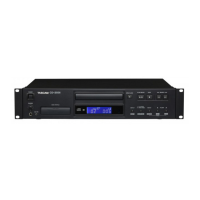
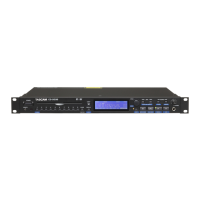
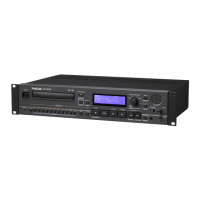
TASCAM CD-200iL
2 – Names and functions of parts
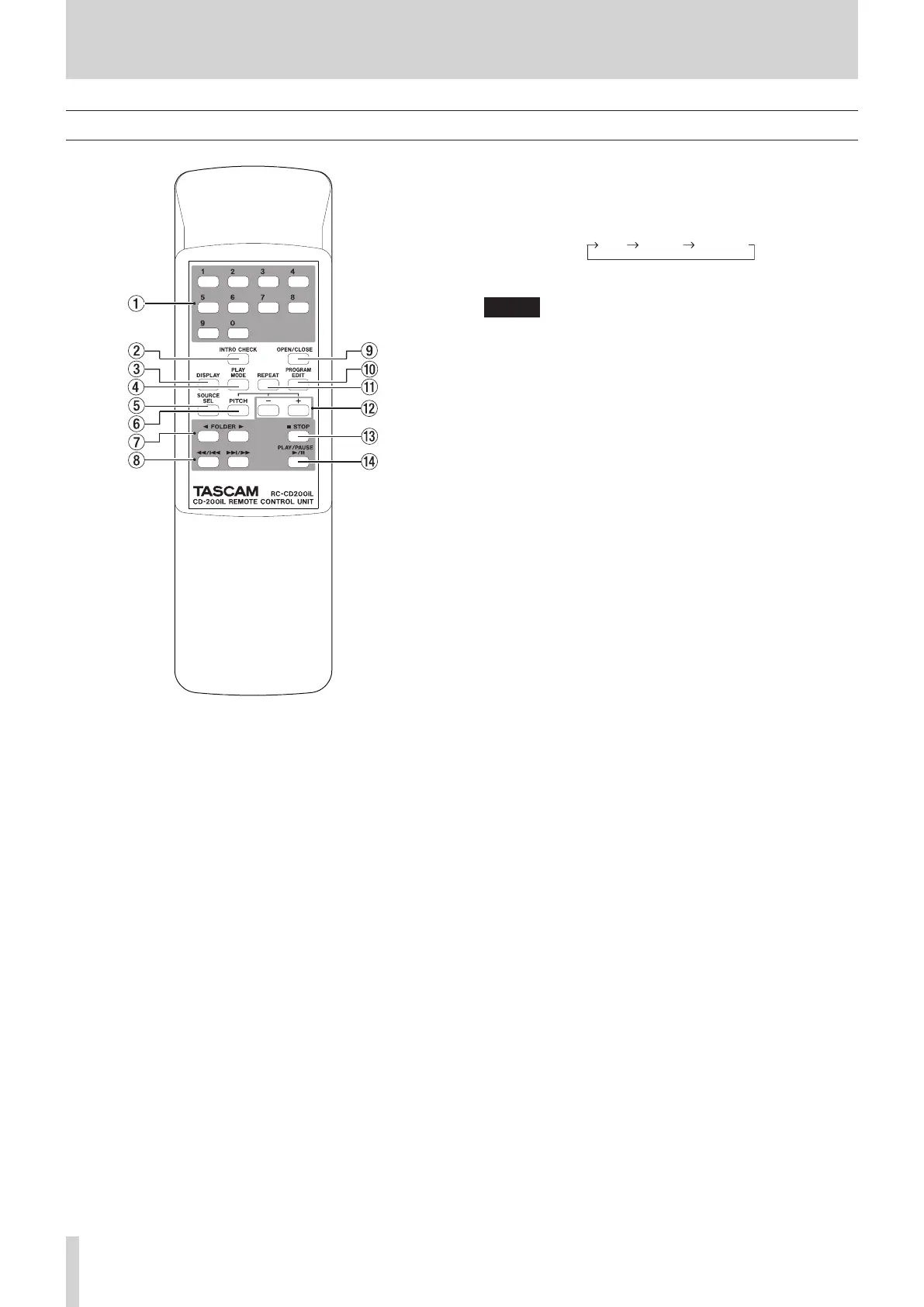
Remote control unit (TASCAM RC-CD200iL)
1 Number (0-9) buttons
Use the number (0-9) buttons to select tracks by their track
numbers.(See “Selecting by track number” on page 21.)
Track numbers can have a maximum of two digits for audio
CDs and a maximum of three digits for data CDs.
2 INTRO CHECK button
When playing back or paused and the current
source
is
-CD-
, press and hold this button to start intro check
playback. During intro check playback, press this button
again to return to ordinary playback mode.(See “Intro check
function” on page 26.)
3 DISPLAY button
When the
current source is
-CD-
, press to change the
type of time and text information shown on the display.(See
“Time and text information display” on page 25.)
4 PLAY MODE button
When the
current source is
-CD-
, press to change the
playback mode. The three playback modes are continuous,
shuffle and programmed.(See “Playback modes” on page
20.)
When the current source is
-DOCK-
, press to change the
iPod/iPhone shuffle mode.(See “iPod/iPhone control” on
page 27.)
5 SOURCE SELECT button
Press to cycle through the current sources in the following
order.(See “Selecting the output source (current source)” on
page 18.)
Current source selection order
NOTE
-DOCK-
and
-AUX-
cannot be selected when no corre-
sponding device is connected.
6 PITCH button
Press to turn the CD playback pitch control function on and
off.(See “Pitch control playback” on page 26.)
7 FOLDER g/t buttons
When the current
source is
-CD-
and a data CD is loaded,
use these buttons to change the folder that will be played
back.(See “Folder playback (data CDs)” on page 21.)
When the current source is
-DOCK-
, use these to select
(skip between) albums.(See “iPod/iPhone control” on page
27.)
8 m/. and ,// buttons
Use these buttons to select (skip between) tracks.
Press and hold to search backward/forward.
9 OPEN/CLOSE button
Press to open and close the disc tray.
0 PROGRAM EDIT button
When the
current
source is
-CD-
, use this to make,
confirm and edit program settings.(See “Programmed
playback” on page 22.)
q REPEAT button
When the
current
source is
-CD-
, press this button to
turn the repeat playback function on and off and to select
the repeat playback mode.(See “Repeat playback” on page
24.)
When the current
source is
-DOCK-,
press this button
to change the repeat playback mode.(See “iPod/iPhone
control” on page 27.)
w −/+ buttons
Use these to set the pitch control value used during CD
playback.(See “Pitch control playback” on page 26.)
e STOP button
When the current
source is
-CD-
, press this button to stop
CD playback.
In program setting mode, press this button when a track is
selected to cancel the selection, enabling the selection of
another track.(See “Setting the program” on page 22.)
When a track can be added to a new program step, press
this button to clear the entire program.(See “Clearing the
program” on page 24.)
r PLAY/PAUSE button
When playback is stopped or paused, press to start playback.
Press during playback to pause.



 To Next Page