22
TASCAM CD-200iL
4 – CD playback
Programmed playback
To use programmed playback, you must set a program either
before or after setting the playback mode to programmed
playback mode. (See “Selecting the playback mode” on page
20.)
When in programmed playback mode, press the PLAY/PAUSE
button on the main unit or the remote control to start playback
of the set program in order from the first track (program step
01).
Press a main unit SEARCH m/, [.//] button or
remote control search (m/. or ,//) button to skip
to the previous or next program step.
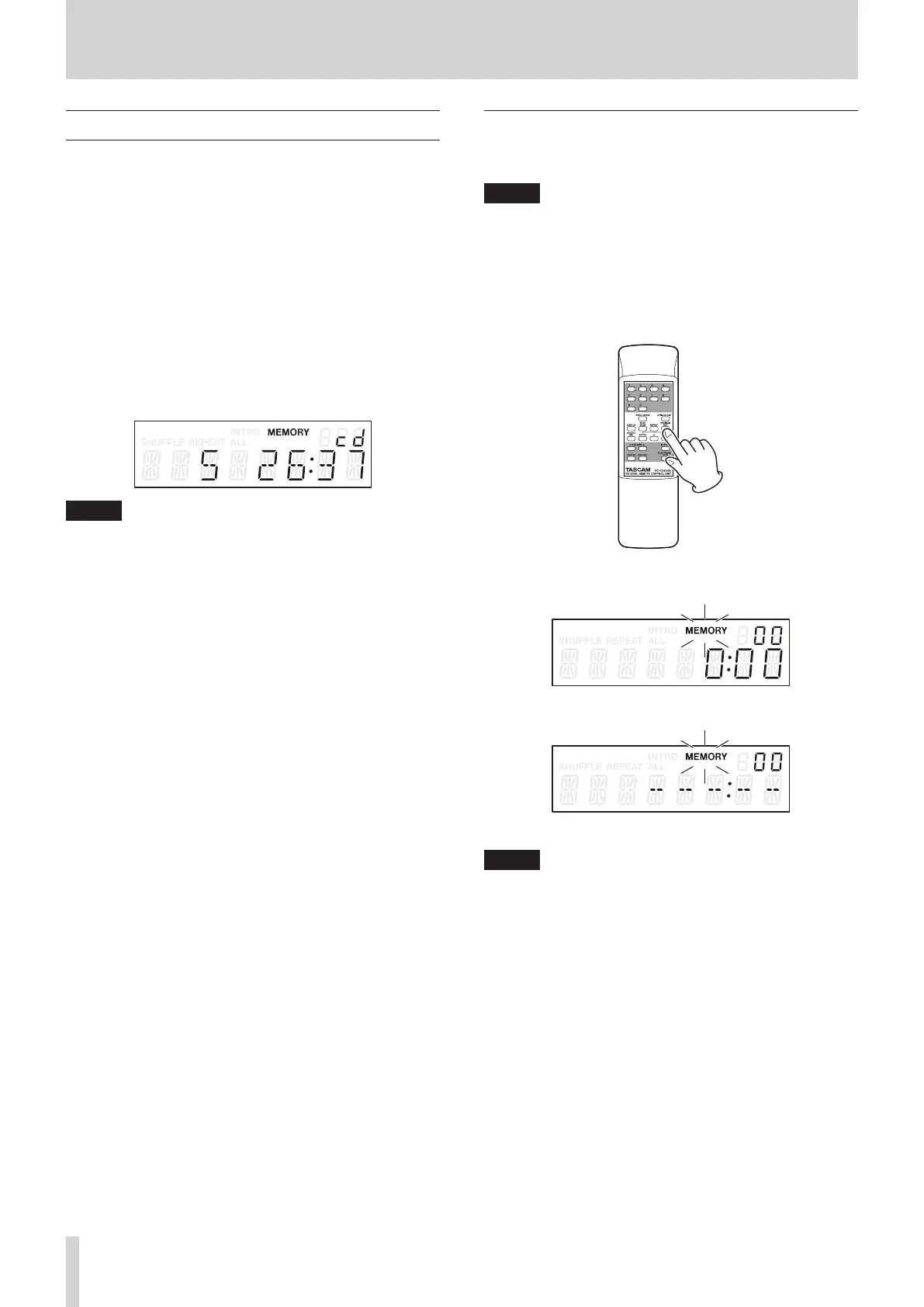
When in programmed playback mode and playback of an audio
CD is stopped, the total number of tracks in the program and
the total program time are shown.
When using a data CD, only the program number is shown.
NOTE
•
To select programmed playback, when stopped or when a
CD is not loaded, press the main unit PLAY MODE/INTRO
CHECK [SOURCE SEL] button or the remote control PLAY
MODE button.
•
When the folder playback function is on for a data CD,
tracks in the current folder can be added to the program.
Setting the program
When no program is set, follow the procedures below to set a
program using the remote control.
NOTE
•
The program cannot be set from the main unit.
•
You can set a program at any time regardless of the current
playback mode.
•
CD programs are cleared when the disc tray is opened or the
current folder is changed.
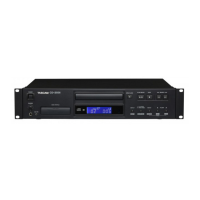
1. When playback is stopped, press the remote control
PROGRAM EDIT button to enter program setting mode.
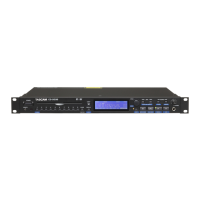
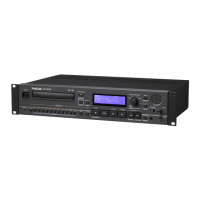
If no program has been set, adding a track to program step
“01” will be possible (
MEMORY
indicator blinks).
Display when using audio CD
Display when using data CD
NOTE
If the program has already been set, the track number
and playback time of the track set for program step 01 are
shown.



 To Next Page