3 – Preparations
Turning the power ON and OFF
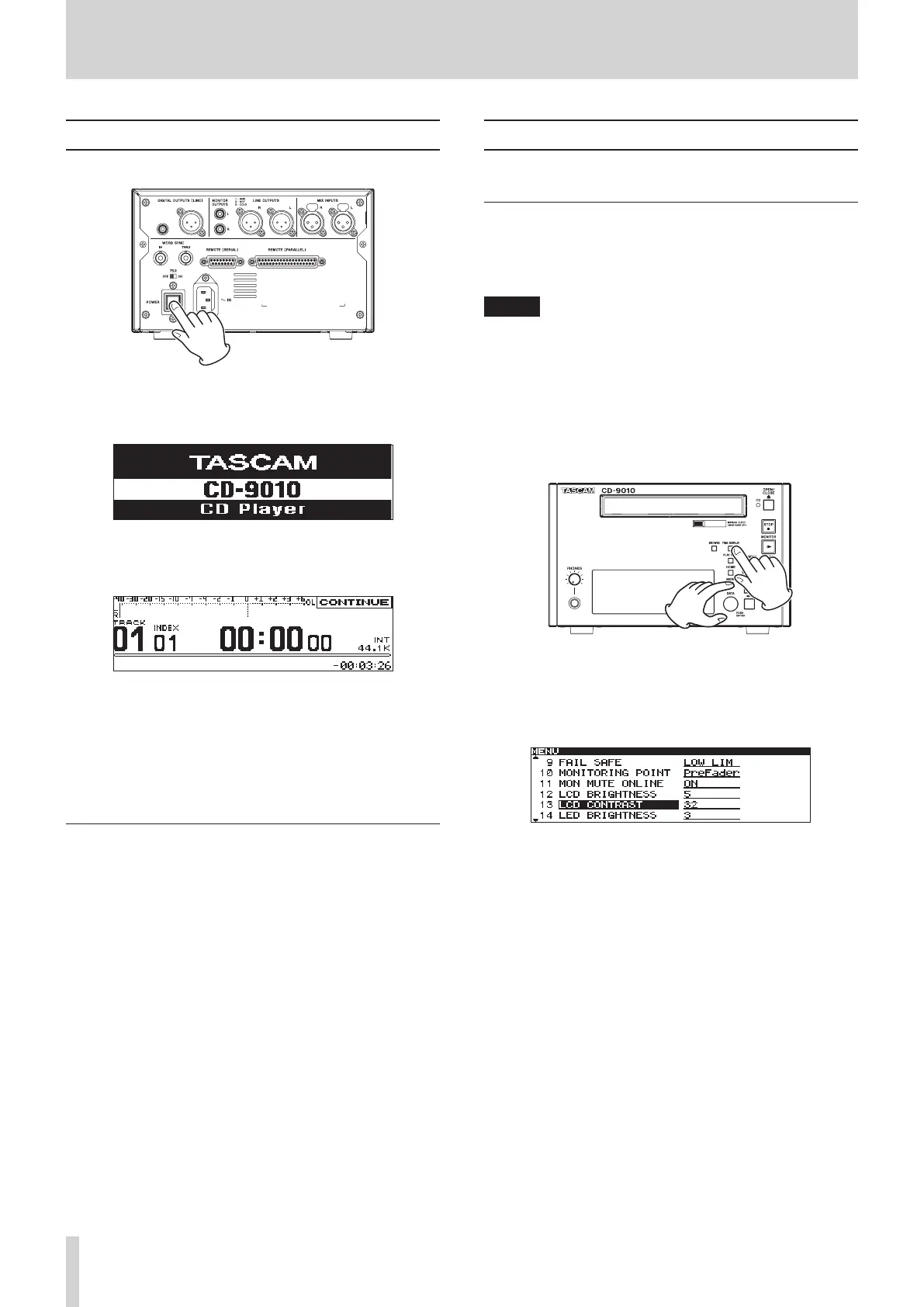
Press the POWER switch on the rear panel to turn the power ON.
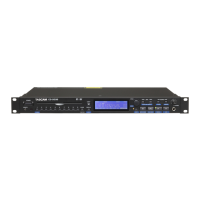
Startup screen
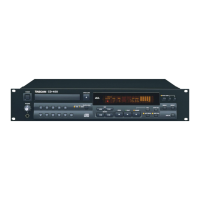
Home Screen
The unit starts and the startup screen appears.
If no CD has been loaded, the screen shows
NO MEDIA
.
If a CD has been loaded, the screen shows
MEDIA READING
while
the unit reads the CD. When this process is complete, the Home
Screen is displayed.
Turning the power OFF
Press the POWER switch to turn the power OFF. No special
shutdown procedures are necessary.
Adjusting the display
You can adjust the display contrast and brightness as necessary.
Adjusting display contrast
When the Home Screen is open, use the TIME DISPLAY button
and DATA dial to adjust the display contrast.
You can also use
SYSTEM
menu's
LCD CONTRAST
to adjust it.
NOTE
This operation only adjusts the contrast of this unit. It does
•
not adjust the contrast of a connected TASCAM RC-9010/
RC-9010S remote control (sold separately).
The display contrast setting is retained even when the power
•
is OFF.
Setting using the controls
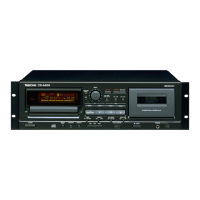
With the Home Screen open, while pressing and holding the
TIME DISPLAY button, turn the DATA dial to adjust the unit's
display contrast.
Setting using the menu
1. Press the MENU button to open the
MENU
screen.
2. Open the
SYSTEM
menu.
3. Select
LCD CONTRAST
.
4. Press the DATA dial to move the cursor (selected area)
right to select the value.
5. Turn the DATA dial to adjust the contrast.
Options:
•
0
–
63
(default value:
32
)
6. Press the HOME button to return to the Home Screen.



 To Next Page