18 TASCAM CD-A550/CD-A750
3 – Menu
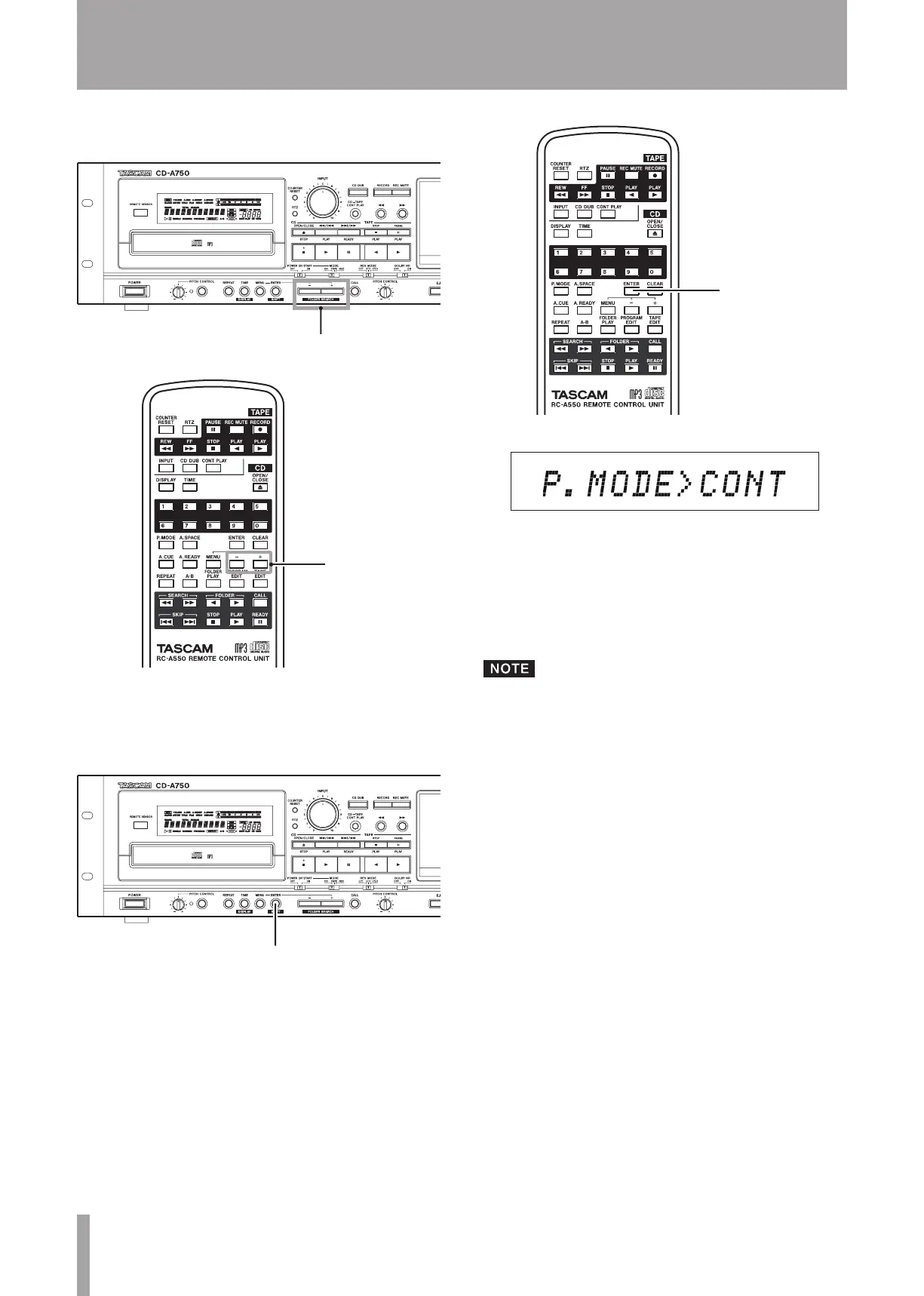
2 Use the –/+ keys on the main unit or the remote con-
trol to select the desired menu item.
3 Press the ENTER key on the main unit or the remote
control to confirm the selection.
The menu item name and currently set value are shown.
Use the following steps to change the settings.
4 Use the –/+ keys on the main unit or the remote con-
trol to select the desired value.
The selection takes effect immediately.
5 Press the ENTER key on the main unit or the remote
control to return to the standard display.
If you press the MENU key while menu item names and
setting values are displayed, the display returns to menu
item selection.


 To Next Page