TASCAM CD-A550/CD-A750 35
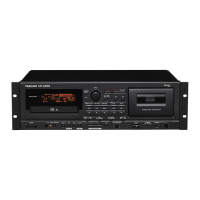
This chapter explains the playback functions of this unit’s
cassette recorder. The following explanation assumes
that this unit’s power is ON and that a cassette tape with
a recorded signal has been loaded with the A side facing
forward.
Preparation for tape playback
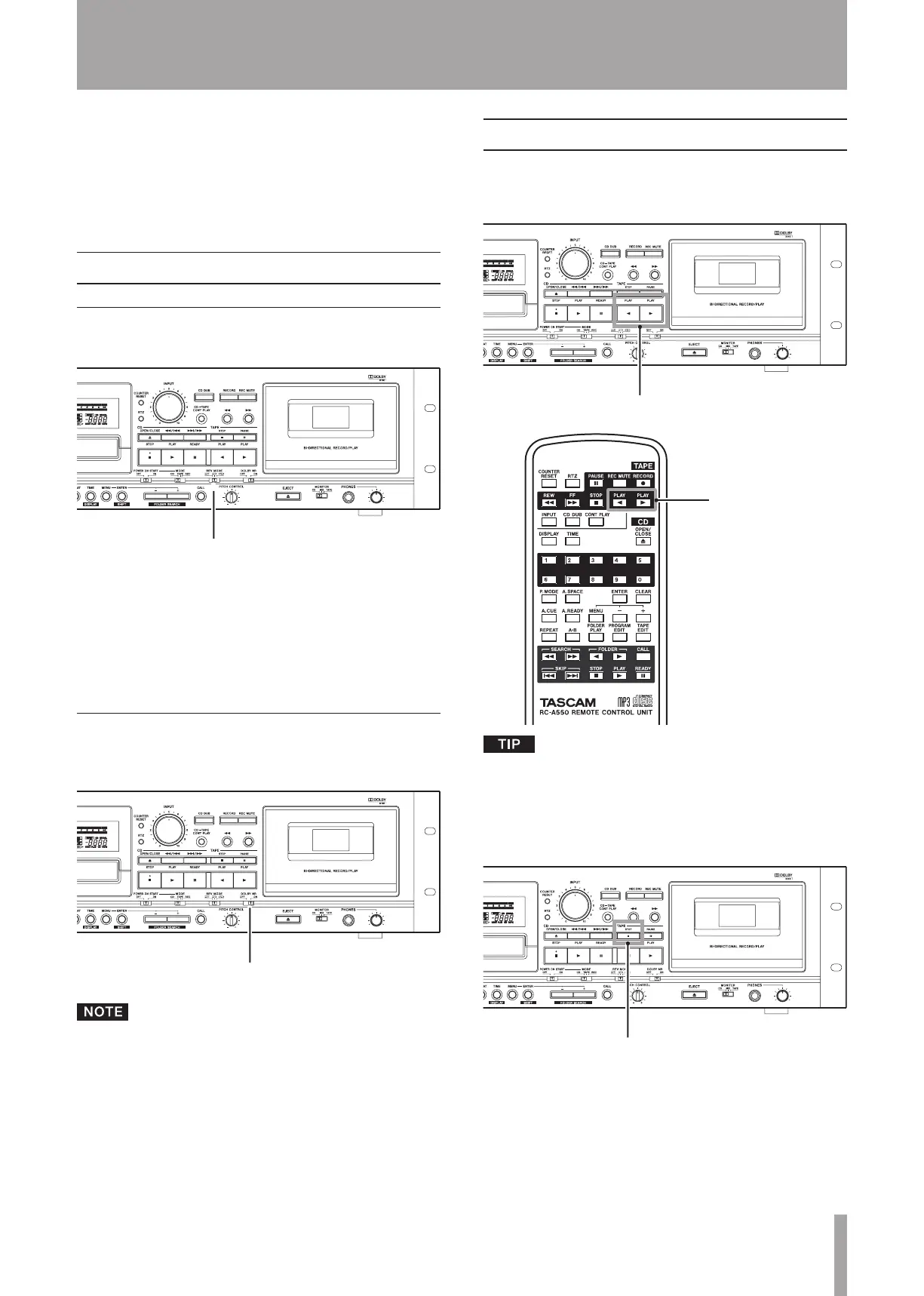
Selecting the reverse mode
Use the
REV MODE
switch to set the reverse mode.
ä: Repeat playback of both A and B sides five times
Ë: Play both A and B sides once each and then stop
playback
ï: Play either the A or the B side once and then stop
playback
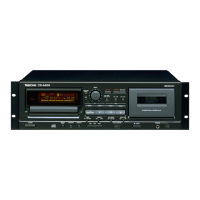
Turning Dolby NR ON and OFF during playback
To play a tape recorded using Dolby B noise reduction, turn
the
DOLBY NR
switch ON before playback.
Use the same Dolby B noise reduction ON/OFF setting as
was used during recording.
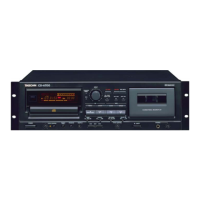
Playing a tape
Press the
TAPE PLAY
[Á] key on the main unit or the
remote control to play the A side or the
TAPE PLAY
[Ó]
key to play the B side.
You can play both a CD and a cassette tape at the same
time.
Stopping playback
ª
Press the TAPE STOP key.
6 – Playing Back Cassette Tapes


 To Next Page