TASCAM CD-A550/CD-A750 21
4 – Preparations
Considerations for the use of the remote
control
When using other devices that are controlled by infra-
•
red signals, operation of this unit’s remote control could
cause those devices to function improperly.
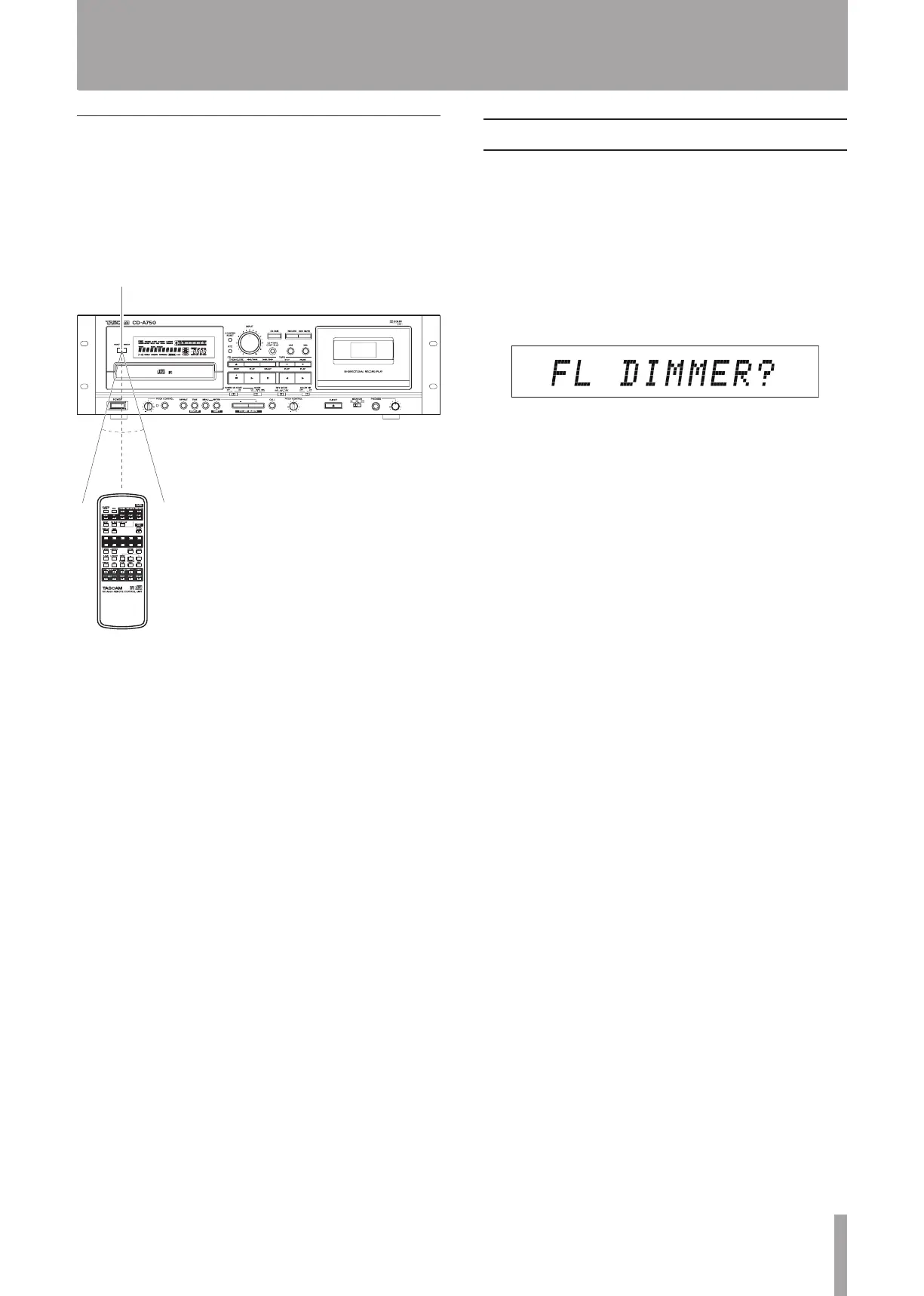
Operate the remote control within the following range.
•
Operation distance
Front: 7 meters or less
Within a 15º angle: 7 meters or less
Adjust the display brightness (DIMMER)
You can adjust the display brightness to suit the operating
environment of the unit.
1 When in standard display mode, press the MENU
key on the main unit or the remote control to enter
menu mode.
2 Use the –/+ keys on the main unit or the remote con-
trol to show the
FL DIMMER?
item on the main
display, and press the ENTER key on the main unit
or the remote control.
3 Use the –/+ keys on the main unit or the remote con-
trol to select a value between 1 and 10.
The higher the number the brighter the display becomes.
(The default value is 7.)
4 Press the ENTER key to return to the standard dis-
play.


 To Next Page