36 TASCAM CD-A550/CD-A750
6 – Playing Back Cassette Tapes
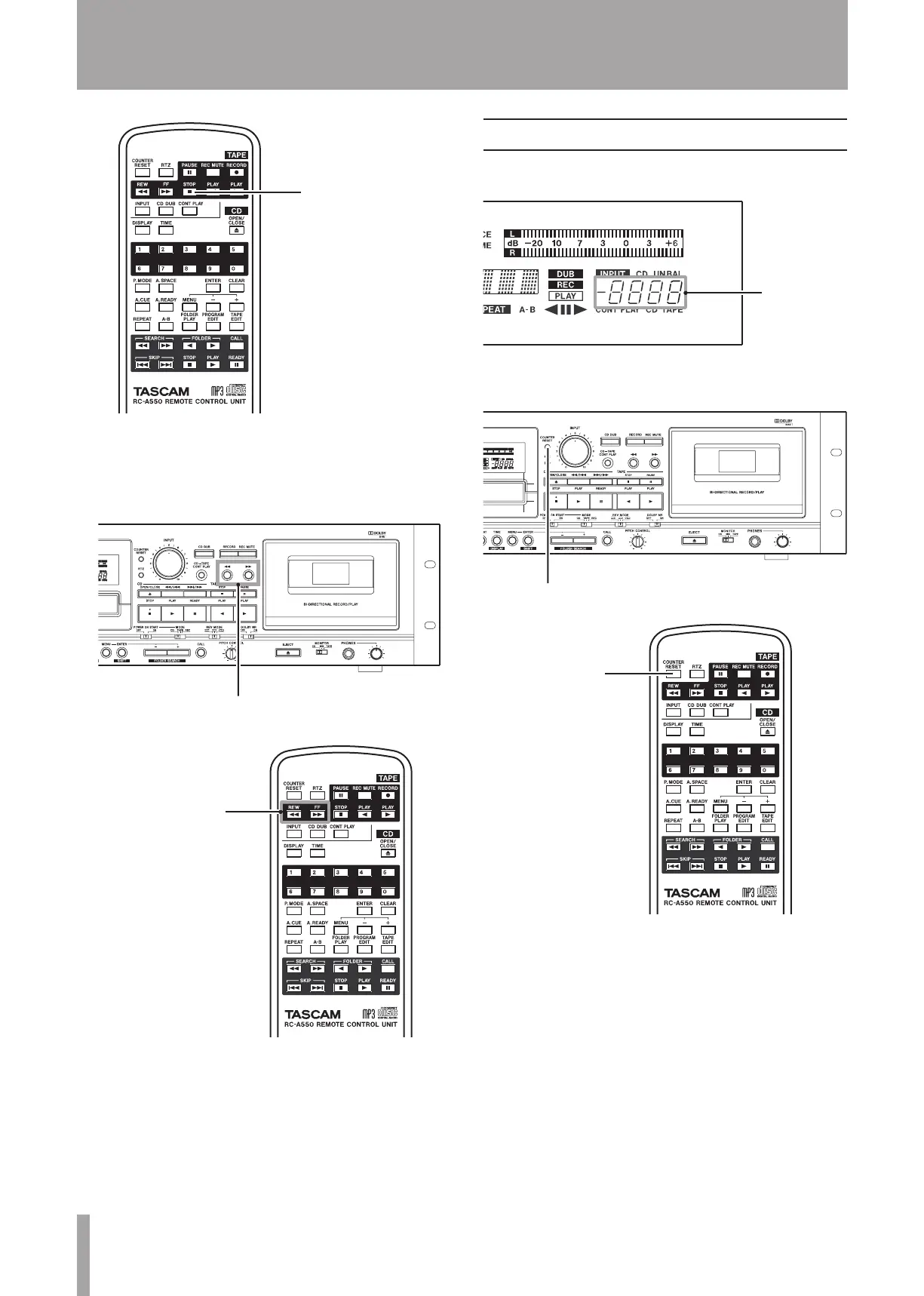
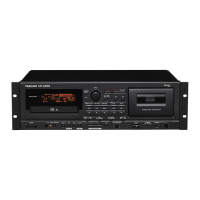
To fast-forward or rewind
ª
Press the TAPE or Ô key on the main unit or
the remote control. Press the TAPE STOP key to stop
fast-forwarding or rewinding.
Tape counter
The tape counter value increases as the tape runs from left
to right, and it decreases as it runs from right to left.
Press the
COUNTER RESET
key on the main unit or the
remote control to reset the tape counter to “0000.”


 To Next Page