10 TASCAM CD-RW901
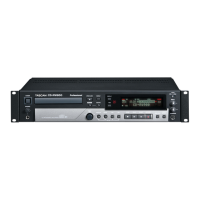
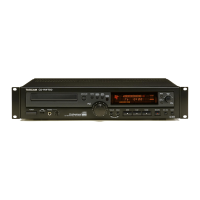
Front panel
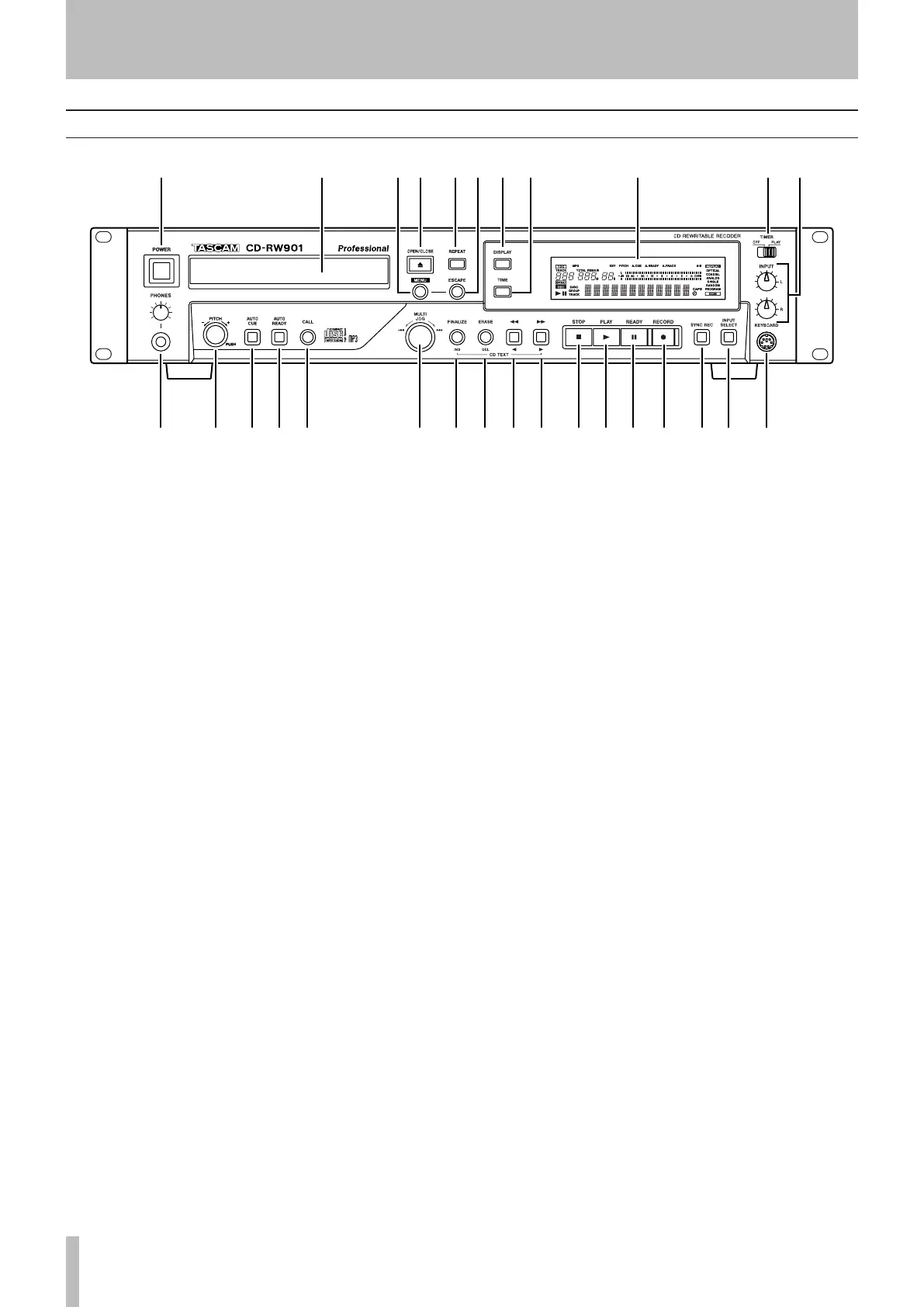
2 43 5 7 9 0 q6 81
w ue r t y i o p a s d f g h j k
1
POWER switch The power switch is used to switch
the unit on and off.
2
Disc tray Discs should be placed label side upwards
in the disc tray. When a disc is loaded into the unit,
the display shows TOC Reading for a short period while
the unit determines the contents of the disc.
3
MENU key Use this key to call up the menu options
(see “Operation basics” on page 16).
4
OPEN/CLOSE key Use this key to open and close
the disc tray. The display shows Open when the tray
is opening and Close when the tray is closing.
5
REPEAT key Use this key to set the repeat playback
mode on and off.
6
ESCAPE key When in a menu mode, this key can-
cels the menu item selected.
7
DISPLAY key Use this key to see the current disc
title when the disc is stopped. When the disc is play-
ing or in ready mode, press this key to see the cur-
rent track title.
8
TIME key Use this key to cycle through the time
modes shown on the display (see “Time display
switching” on page 20).
9
Display The display is used to show the current sta-
tus of the unit, as well as the current menu settings.
0
TIMER switch (PLAY, OFF) Using this key switch-
es Timer play on and off. See “Timer playback” on
page 21 for details.
q
INPUT (L,R) controls Use these concentric con-
trols to adjust the level of the analog audio signals
received at the ANALOG IN jacks.
w
PHONES jack and the level control Use a stan-
dard pair of stereo headphones, equipped with a
1/4-inch plug, with this jack.
Adjust the volume from the jack with the level con
-
trol (turn clockwise for higher volume).
e
PITCH control Push this control to set the Pitch
Control on and off. Turning this control adjusts the
value within ±16.0%.
r
AUTO CUE key Use this key to set Auto Cue on
and off.
t
AUTO READY key Use this key to set Auto Ready
on and off.
y
CALL key Pressing this key locates a track to the
last point where playback was previously started in
playback ready mode, and puts the unit into play-
back ready mode.
During recording, pressing this key assigns an index
number manually.
u
MULTI JOG dial Use this dial to select tracks for
playback, to set parameter values.
In addition, pushing the dial acts like an
ENTER
key, i.e. the currently-displayed value or setting is
confirmed.
i
FINALIZE/INS key Use this key to finalize record-
able discs (see “Finalizing” on page 31).
When in playback or playback ready mode, pressing
this key shows the disc’s ISRC code on the display.
It also acts like a space key when entering TEXT
data (see “Title input operation” on page 33).
o
ERASE/DEL key Use this key (with CD-RW discs
only) to erase tracks, or a whole disc, or to refresh
a “bad” disc, or to unfinalize a finalized disc (see
2 − Features of the CD-RW901



 To Next Page