14
Section 4 : Features and Controls
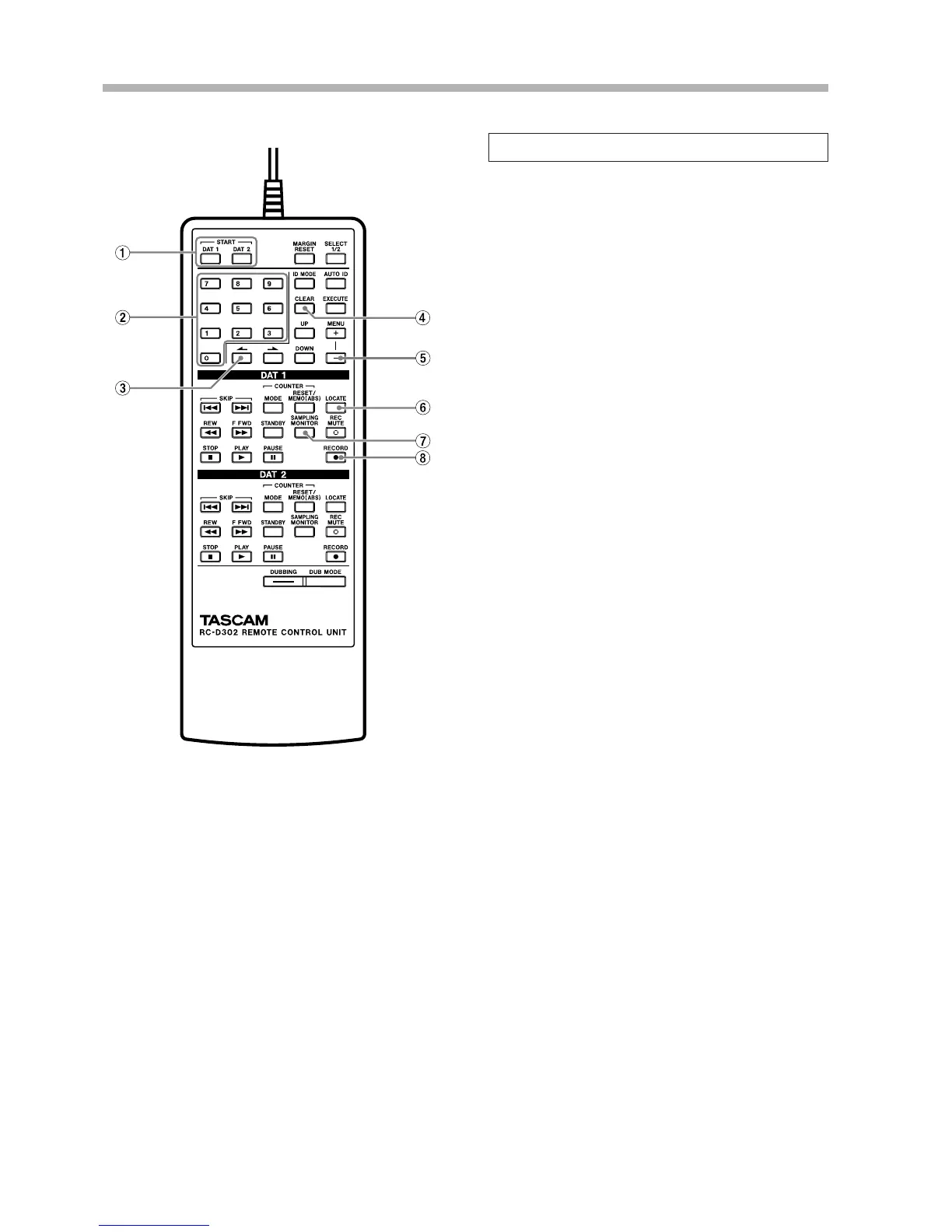
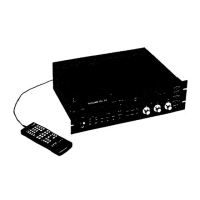
4-3. RC-D302 remote control unit
1 START key
Use to perform direct search play. (úp.24)
2 Numeric keypad
Use to directly select the program. (úp.24) Also, use
to enter the numerical values for memo point.
3 MENU (<) key
Functions in the same way as when the > key is
pressed while pressing the SHIFT key on the main unit.
4 CLEAR key
When directly selecting the program, use this key to
cancel the selected program number or to clear the
numeric value for the memo point.
5 MENU ( – ) key
Functions in the same way as when the MENU key is
pressed while pressing the SHIFT key on the main unit.
6 LOCATE key
Locate the tape position at the memo point. (úp.24)
7 SAMPLING MONITOR key
Press to engage the Sampling Monitor mode. The same
function as when only the RECORD key on the main
unit is pressed.
8 RECORD key
The function of this key is different from that of the
RECORD key on the main unit. Pressing this key
engages the Record-Pause mode.
·Other keys function in the same way as the corre-
sponding keys on the main unit.


 To Next Page