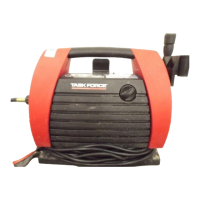
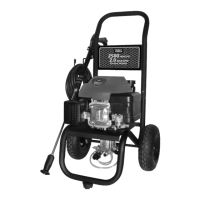
Water Filter Screen (Fig. 16)
The pressure washer is equipped with a water inlet
lter (L) that prevents debris going into the pump.
If the lter is not kept clean, the ow of water to the
pressure washer will be restricted and the pump
may be damaged.
1. To clean the screen, remove quick connector and
remove the lter screen from the pump inlet.
2. Rinse screen until it is free of debris and blockage.
3. Replace screen and quick-connector immediately.
Air Vents
The air vents located on the front and back of the
pressure washer must be kept clean and free of any
obstructions to ensure proper air-cooling of the mo-
tor during operation.
Fig. 16
SERVICING SHOULD BE PERFORMED BY AN AUTHORIZED SERVICE REPRESENTATIVE. CHECK WITH YOUR
LOCAL RETAILERS FOR THE WARRANTY POLICY AND SERVICE OPTION.
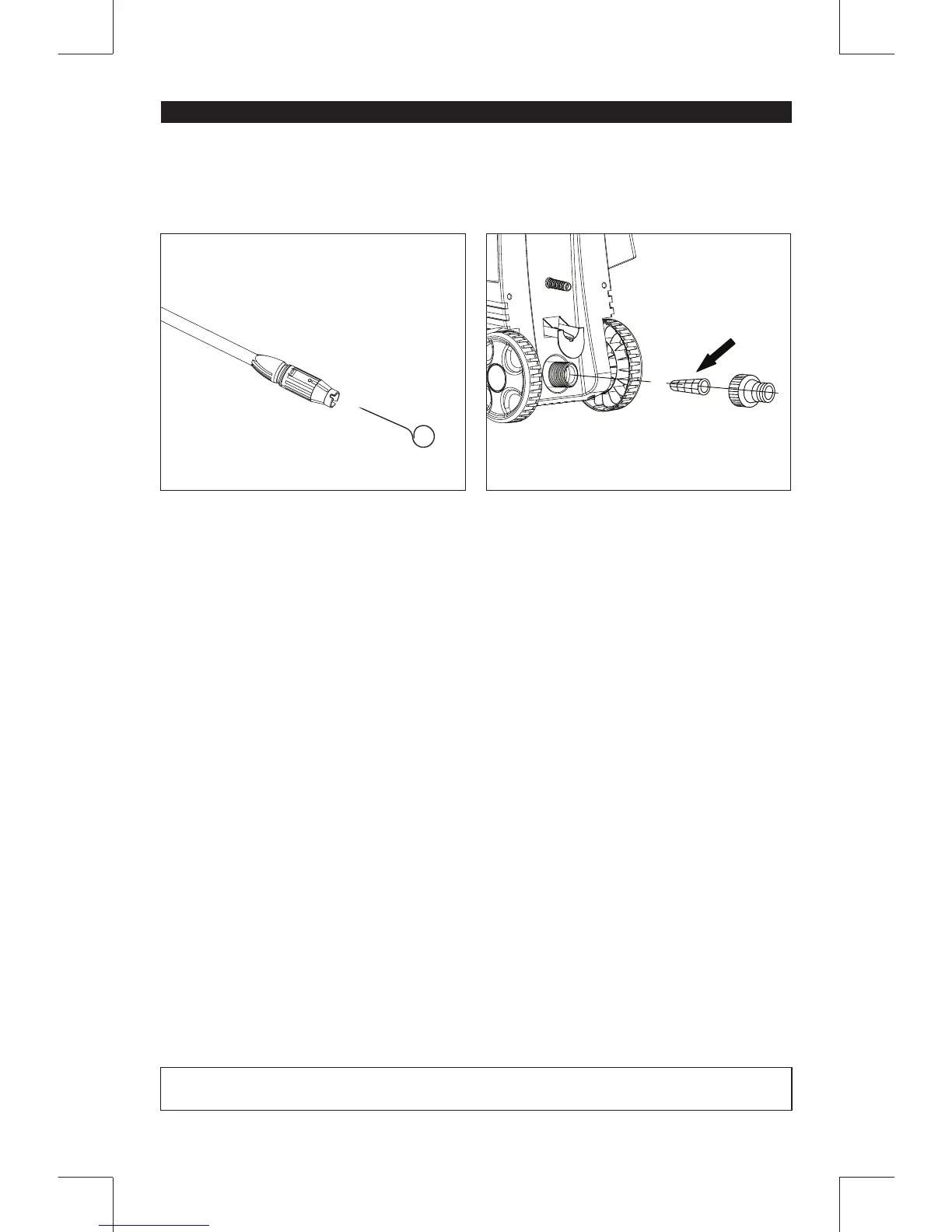
Adjustable Nozzle (Fig. 15)
When the nozzle is clogged, it will cause the pump to
build pressure and may cause the unit to surge. You
can clean the nozzle by inserting needle (N) into the
tip to rid it of the deposits.
For the adjustable nozzle, you can also lubricate the
nozzle collar (high-pressure low-pressure) by using
non-water soluble grease regularly.



 To Next Page