Press Power Button (A) once to navigate, press Shutter Button (B) to Enter/Confirm
selection.
ZOOM
To zoom the image x1, x2, x3, x4.
FILTER
To define the amount of color saturation.
AE METER
To define which image areas are used to calculate the correct exposure.
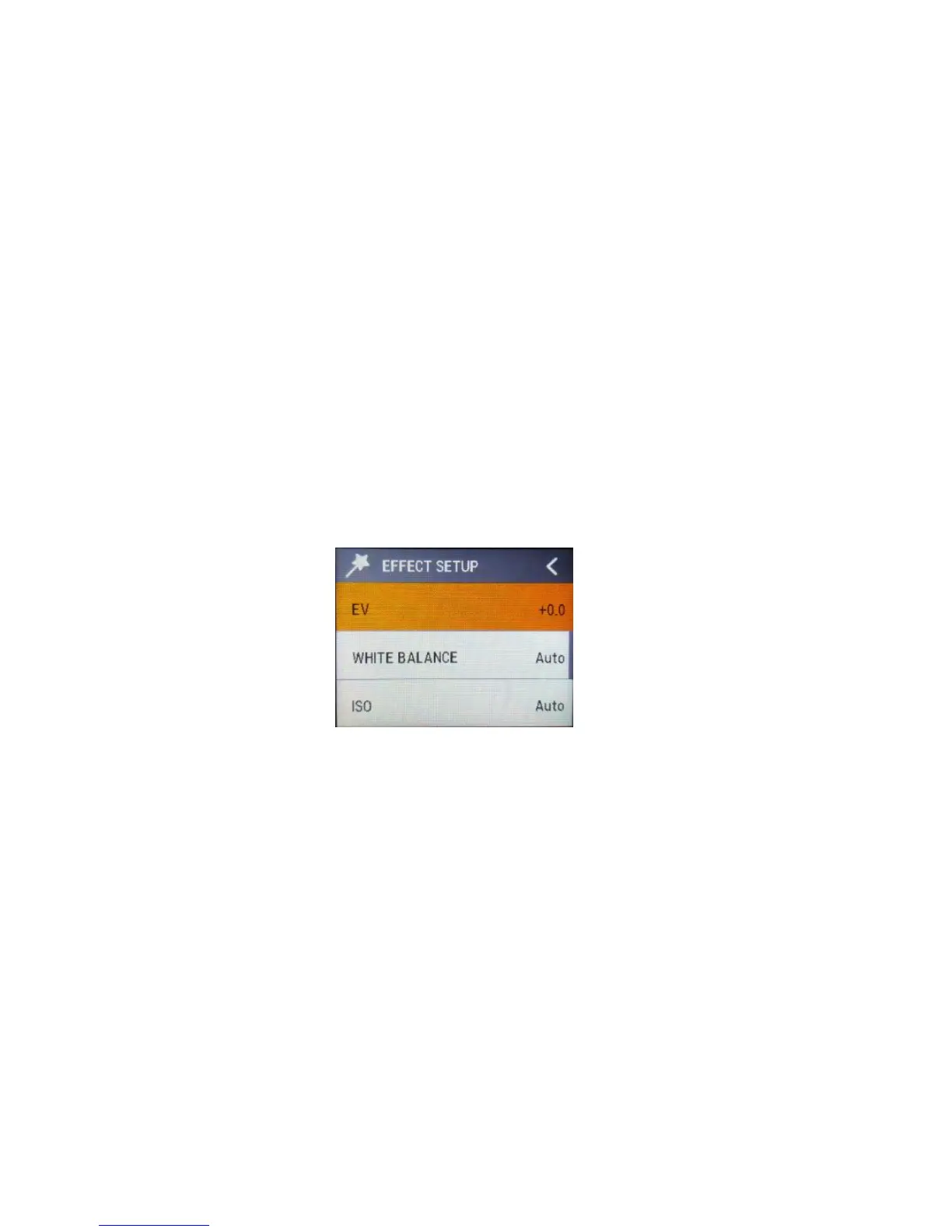
EV
This allows user to set the light exposure value.
WHITE BALANCE
Factory default is Auto. If you switch Auto OFF, remember to adjust
when lighting condition changes.
ISO
This is the measurement of the sensor’s sensitivity to light.



 To Next Page