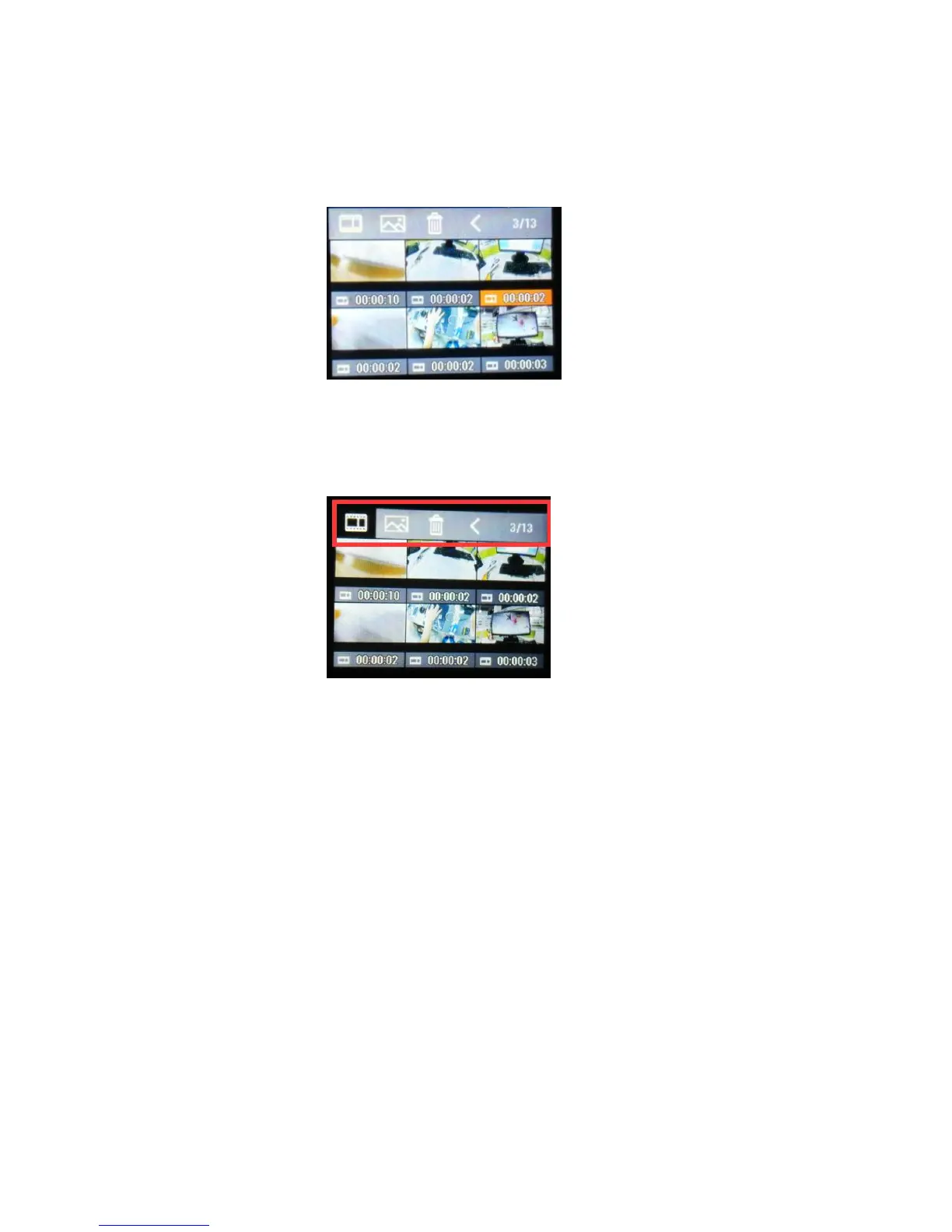
Long press Shutter button (B) to select video/photo, press Shutter button (A) to
navigate and press button (B) to open the video/photo.
Long press button (B) to exit video/photo. Long press button (B) to enter upper
Menu. Press button (A) to navigate and (B) to confirm.
Notice: You can operate it more easily by tap the screen.
7. Remote Control



 To Next Page