SOFTWARE INFO
To display the currently installed firmware version.
Wi-Fi
Selecting to turn on or turn off the Wi-Fi function.
Wi-Fi INFO.
To display the currently Wi-Fi SSID & Password.
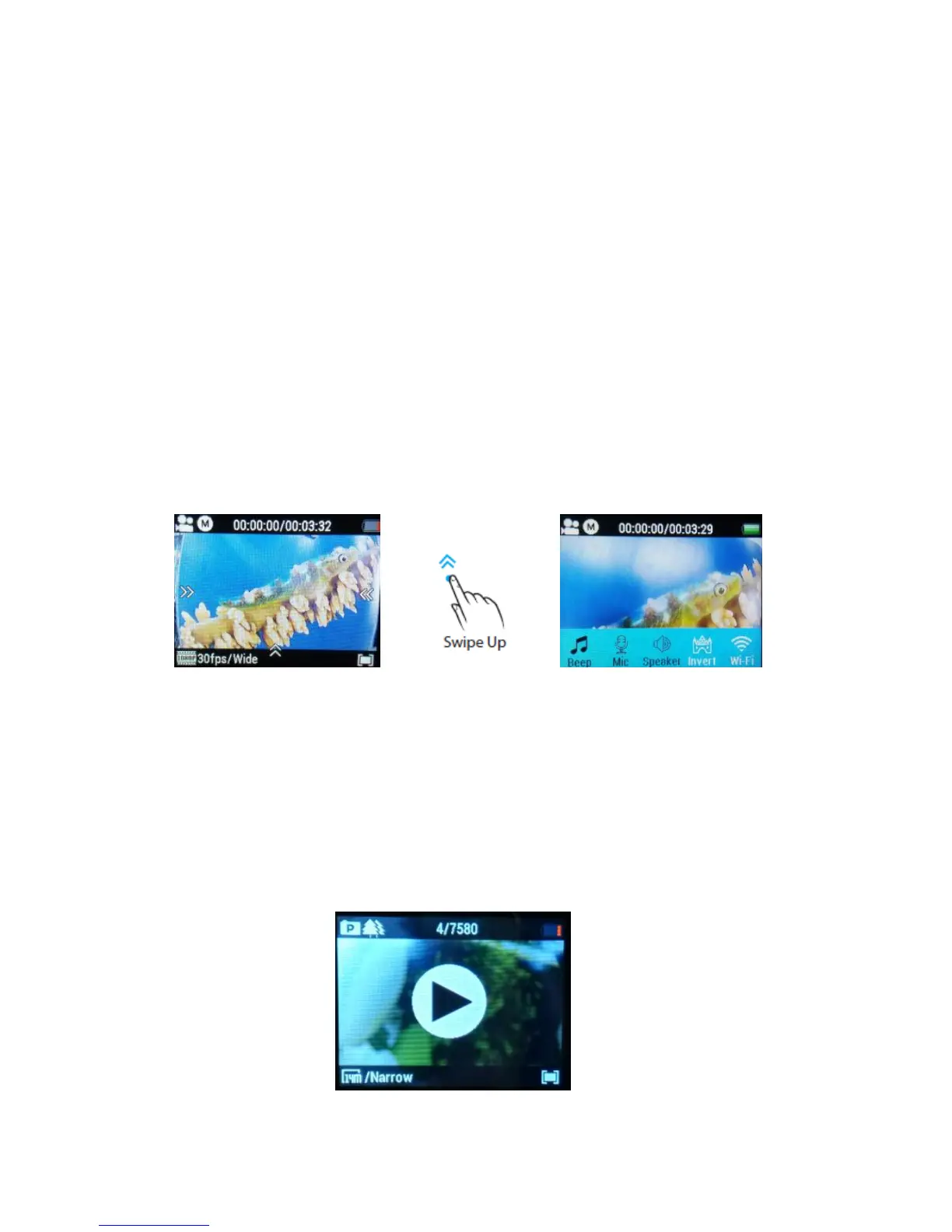
Note: You can easily access some settings such as Beep, Mic, Speaker, Invert and
Wi-Fi with touch operation by swiping up.
6. Playback Mode
Press Power button (A) twice to navigate, press Shutter button (B) to enter the
“Playback Mode”.



 To Next Page